MCP Doesn't Suck. Your Agent Does. — Jan Čurn, Apify
Jan Čurn, founder and CEO of Apify, argues that the backlash against MCP targets the wrong layer. Context bloat and token burn come from naive agent harnesses, not the protocol. He reviews the industry's three main fixes (sub-agents, progressive tool discovery and Code Mode), explains why agents work well with CLIs, proposes MCP for remote access and CLIs for local use, and demos mcpc, Apify's open-source universal MCP CLI client, alongside early Connector Evals results.
The MCP backlash is aimed at the wrong layer
MCP went from an Anthropic proposal to the default way agents plug into external tools in roughly two years. There are now around 10,000 to 15,000 servers, major clients such as Claude and ChatGPT support it, and so many registries appeared that registries of registries followed. That success brought a wave of criticism. Anthropic has conceded that parts of the protocol were the wrong abstraction, and a steady stream of builders have declared MCP dead, arguing that every MCP server could have been a deterministic CLI. Jan Čurn argues the criticism targets the wrong thing. The protocol isn’t the problem. The agent harness is.
Context bloat is a harness bug
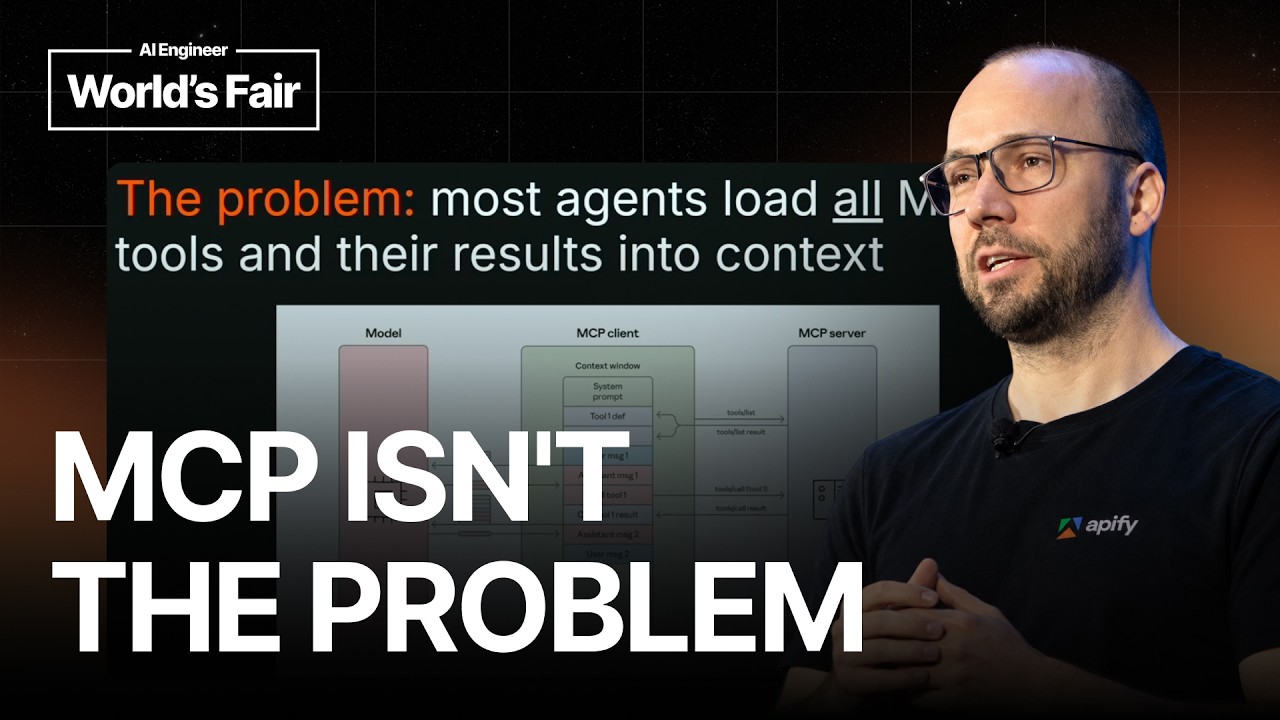
The most common complaint is that MCP eats context. The naive implementation loads every tool from every connected server into the context window before the user asks anything. Ten servers can mean a hundred tools, and a third of the window can disappear before any real work happens. Tool results then accumulate in the same context, which keeps growing, degrading accuracy and raising cost. The MCP specification says nothing about how a harness should manage this, so it falls to the implementer. The problem sits in the harness, not the protocol.
Three fixes the industry has landed on
Sub-agents delegate subtasks to a separate agent with its own context window. This keeps the main context cleaner, but the tokens still have to be paid for, and the underlying issue remains. Sensitive values such as passwords, or large payloads returned by a tool, still end up in a context where other calls can reach them. Sub-agents push the problem further without removing it.
Progressive tool discovery means not loading every tool upfront. Anthropic’s Claude introduced a tool search capability at the end of last year, and Cursor followed. The agent searches for the tools it needs and loads only those. The idea is simple, almost embarrassingly so, yet most clients still don’t do it.
Code Mode, popularized by Cloudflare, treats MCP tools as code rather than as function signatures stuffed into the prompt. Models navigate and call tools by writing code, and the argument is that they are better at this because code is abundant in real training data, while tool calling is an artificial format that has to be synthesized. Cloudflare’s implementation is tied to its platform and hard to adopt, so few clients use it. More broadly, most MCP clients ignore newer protocol features such as server instructions, which is a missed opportunity given how much the protocol has evolved.
Why agents like CLIs
Agents don’t load a CLI’s full manual into context. They discover commands progressively, calling help only when needed, and they already know common Unix tools from training data. Running a shell command is code execution by default, so CLIs get something like Code Mode for free. The shell is also a deeply optimized interface, with decades of compact, information-dense design, and models have seen enormous amounts of shell usage. Labs can generate effectively unlimited synthetic training data by piping commands together and mining man pages.
CLIs have real weaknesses. They are local black boxes with no standard transport or authentication layer. An enterprise cannot easily instrument one, inspect its protocol, or inject credentials. That is why nobody builds remote connectors as CLIs, while MCP connectors are everywhere.
Čurn’s proposed split is MCP for standard, authenticated remote access and a CLI for local interaction. Through a single familiar tool call, bash, an agent can reach the full feature set of MCP, with sessions and authorization hidden behind the shell.
Introducing mcpc
mcpc is Apify’s open-source universal CLI client for MCP. It started as a hobby project over a holiday break and grew into one of the most feature-rich MCP clients available. It can be installed through npm or Homebrew. The design goals are full protocol coverage, including tasks, resources and prompts, maximum compatibility, and ease of use for both agents and humans. It is a thin wrapper over the protocol with no LLM inside. Every command supports a JSON output flag that returns spec-compliant JSON, so results compose with tools like jq and shell scripts. Its help text is written so agents can pick it up without any external skill files.
The demo covered several capabilities:
- Local stdio servers, such as a filesystem server, where capabilities, tools and commands can be listed and returned as JSON.
- Remote servers, where login opens a browser OAuth flow and credentials are stored in the operating system keychain. Connecting to the Apify MCP server surfaces its instructions, which most clients never display.
- Persistent sessions that stay alive between commands, so a session can be set up once and shared across agents like Claude Code or Codex without duplicating configuration.
- Progressive discovery with a grep command that searches tools and servers by keyword.
- Asynchronous tasks, where a web search tool runs in the background, progress is checked, and results are retrieved later. mcpc is one of the few clients supporting this part of the spec.
- x402 payment support, added because there are few tools for managing local wallets, along with proxy commands for sandboxing.
Connector Evals: early numbers
The team built Connector Evals to compare connectors rather than agents. Where benchmarks typically ask which coding agent is best, this framework asks whether raw MCP, a native CLI or mcpc is the more effective way to reach a service. In early results using Claude Code with Sonnet, task duration is plotted against token cost. mcpc and the native CLI perform similarly. Raw MCP finishes faster in one test but consumes more tokens, and in another it performs worse overall. These results are preliminary, and contributions are welcome.
The conclusion is that the debate of CLI versus MCP is a false choice. MCP plus CLI is the answer.