CLI vs MCP: How AI Agents Choose the Right Tool for the Job
AI agents can interact with the world through either the Command Line Interface (CLI) or the Model Context Protocol (MCP). This summary explores the trade-offs between the two, highlighting CLI's efficiency for tasks the model is trained on, versus MCP's power of abstraction and governance for more complex, high-level operations.
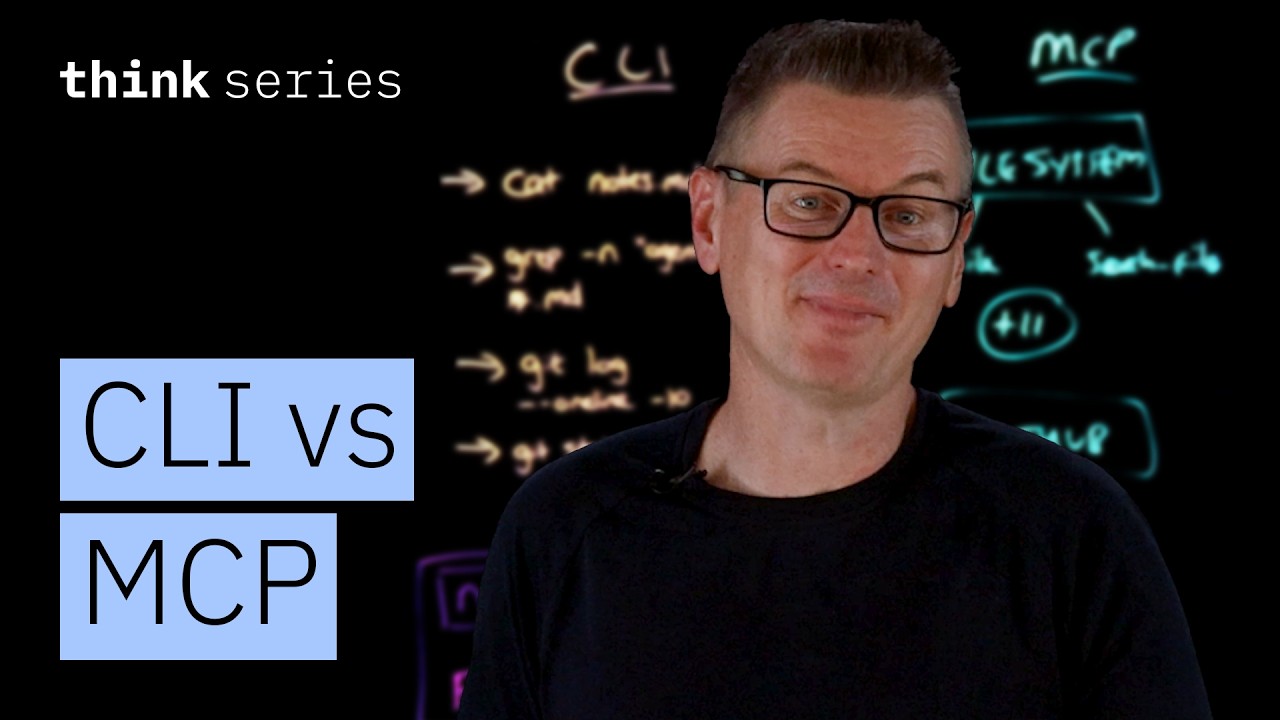
AI agents interact with the world through two primary methods: the Command Line Interface (CLI) and the Model Context Protocol (MCP). Each has distinct advantages and is suited for different types of tasks.
The Case for CLI: Efficiency and Baked-In Knowledge
The core argument for using CLI is that Large Language Models (LLMs) are already experts in it. Their training data is saturated with millions of examples from sources like Stack Overflow posts and man pages.
- Pre-trained Expertise: The model inherently knows how to use a vast array of common terminal commands such as
ls,cat,grep,curl,git, anddocker. It understands the flags and syntax without needing additional instructions or schemas. This knowledge is “baked in” from its training. - Token Efficiency: Because the model doesn’t need external schemas to understand CLI commands, this approach is highly token-efficient. It avoids filling the context window with definitions, saving both space and cost.
The Case for MCP: Abstraction and Governance
MCP provides a standardized protocol where dedicated servers expose structured tools to an AI agent. Each tool is defined by a name, a natural language description, and a JSON schema that specifies its inputs and outputs.
- The Drawback: The primary criticism of MCP is its token cost. At the start of a conversation, the schemas for all available tools from a server are injected into the model’s context window. For example, a file system server with 13 tools might consume a couple of thousand tokens, while a GitHub server with 80 tools could use as many as 55,000 tokens, even if the agent only needs one or two of them. This is seen by some as “unnecessary context window filling bloat.”
However, MCP excels where CLI falls short, particularly when there is a gap between a raw tool’s output and the user’s actual need.
Practical Scenarios: CLI vs. MCP
Scenario 1: Simple File Operations
The task was to read one file and search for a word across two files.
- CLI Approach: The agent successfully used
cat notes.mdto read the file andgrep -n agent *.mdto search for the word. These commands were compact and required no schema lookup. - MCP Approach: The agent used two tools,
readFileandsearchFiles, from a file system server. It also completed the task successfully but had to load the schemas for all 13 tools on the server, consuming thousands of tokens. - Verdict: For simple, direct tasks, CLI is more efficient.
Scenario 2: Fetching a Webpage
The task was to fetch the content of modelcontextprotocol.io and provide a summary.
- MCP Approach: The agent used a single tool,
fetchURL, from a “Fetcher” server built on a headless browser. The server handled the complexity of rendering the Next.js JavaScript application, returning clean text. The process was fast (a few seconds) and cheap (~250 tokens). - CLI Approach: This approach was “painful.” The agent first tried
curl, which only returned a skeleton of HTML and JavaScript bundles because the page is rendered client-side. The agent then fell into a rabbit hole of failed attempts: it tried chaining text-processing tools to strip HTML, then searched for embedded JSON, and even began writing a Python script to reverse-engineer the Next.js framework’s internal data format. This took several minutes and over 2,000 tokens to achieve the same result as MCP.
Key Takeaways and When to Use Each
The optimal solution is not to choose one over the other, but to use both, leveraging each for its strengths.
CLI wins when commands map directly to the job:
- File operations (
ls,cat) - Version control (
git) - Text processing (
grep) - Running scripts CLI tools are also naturally composable with pipes, allowing for powerful one-line command chains that MCP cannot replicate, as each MCP tool call is independent.
MCP wins when abstraction and governance are needed:
- Complex Interactions: As seen with the webpage example, MCP handles underlying complexity (like rendering JavaScript) that would require significant effort with CLI.
- Authentication: MCP servers can manage complex authentication flows (OAuth, token refresh) for services like Slack, Notion, or databases. With CLI, the agent would have to manage this manually.
- Organizational Governance: MCP is designed with enterprise needs in mind. It has built-in support for per-user access control, audit trails, and secure credential management—features that are difficult to bolt onto a CLI-based system.
Ultimately, the choice depends on the task. An intelligent agent should use CLI and MCP side-by-side, opting for CLI’s efficiency when the task is straightforward and MCP’s powerful abstraction when the task is complex or requires enterprise-grade governance.