The AI Content System Behind 200M Views — Sarah Chieng, Cerebras & Cova Lee, OpenAI
Sarah Chieng (Cerebras) and Cova Lee (OpenAI) walk through an agent-powered content system spanning ideation, scripting, recording, editing, repurposing, and publishing, emphasizing swipe files, voice-driven scripts, design systems, API-based editing, and weekly process reviews as ways to free creators to focus on craft over generic AI output.
Building a Content系统 with Agents: Ideation Through Publishing
Sarah Chieng and Cova Lee frame content creation as a six-stage pipeline (ideating, scripting, recording, editing, repurposing, publishing) and show how agents can absorb the tedious parts so the creator can focus on the craft. Their starting point is a memory statistic they like to cite: people retain about 10% of information after three days, but that rises to roughly 65% when a visual aid is involved.
Ideation: Swipe Files and Custom Research Tools
The swipe file is the foundation. It is a single place for references, questions, and anything that inspires you, whether that lives in a colorful website, Notion, Obsidian, or a simple running list of links. Cova’s version is just a Notion page where she pastes every post she likes from Twitter, which her assistant can reference as a record of her taste. Swyx’s swipe file strategy is the shared reference point. As Sarah puts it, text rarely conveys the impact a visual reference has, and agents understand what you want from references far better than from descriptions.
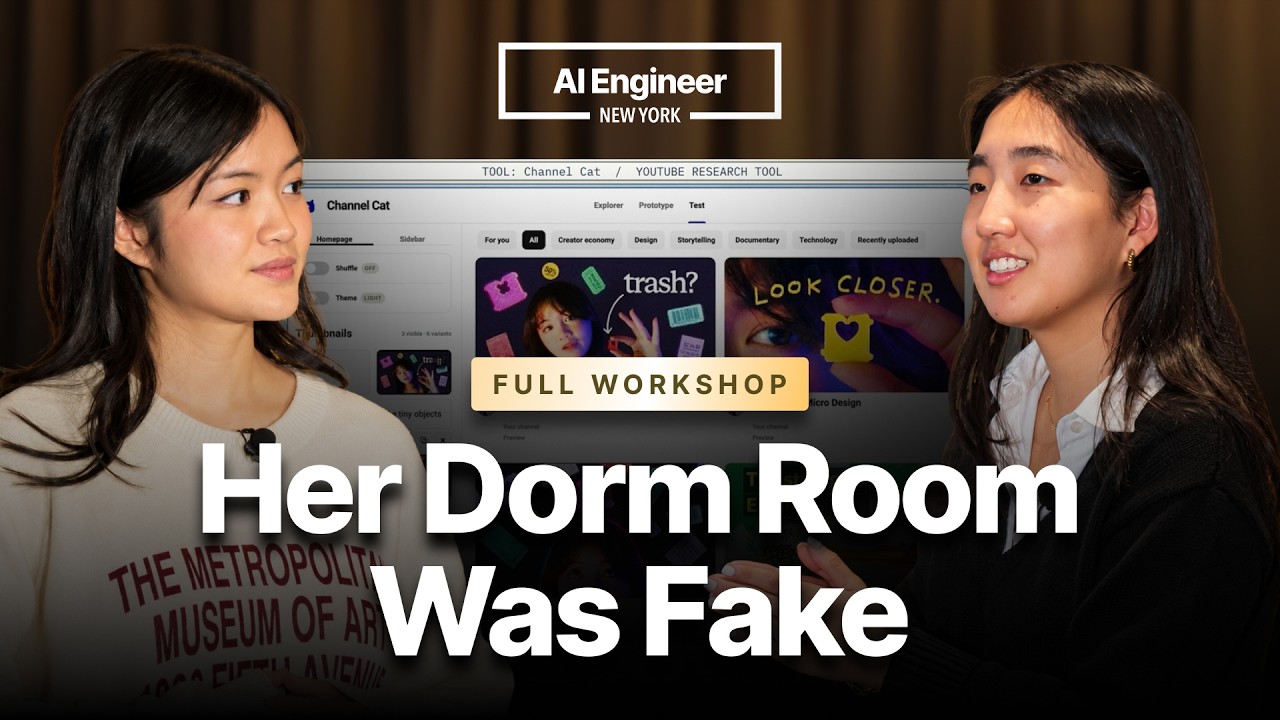
Sarah’s custom YouTube research tool pulls thousands of videos from favorite creators into one view and lets her remix thumbnail inspiration. She extended it into a simulator that renders a YouTube homepage, so she can check whether a title and thumbnail stand out against everything else before she builds anything. The broader point is that agents make it cheap to build tools that help you understand a system, such as the YouTube ecosystem, without first going through the trenches of making the content.
Both stress that titles and thumbnails deserve far more attention than most creators give them. Cova suggests spending around half of your time on packaging, because it can be the difference between 500 views and 5 million. Performance should be judged relative to peers. Sarah’s approach is to compare each post’s engagement against that creator’s own historical posts on the same topic, and to use automations to monitor this continuously. Outlier analysis matters too: the research tool has a slider from 1x to 20x a channel’s average views, which surfaces the unusual thumbnails that go viral.
Scripting With Your Voice
Rather than writing cold, both recommend speaking the concept aloud. Written first drafts drift into marketing phrasing the creator has written a million times. Speaking as if teaching someone keeps the content educational, which Sarah insists it should always be. Voice mode can interview you, probing unclear parts and suggesting cuts. The two guiding principles are concision and clarity.
Once you have enough published content, you distill your voice into a script skill. Cova generates three script options and asks the model to rank them against weighted criteria, such as 50% engagement and 50% clarity.
Shot Lists, Recording, and Assets
For short-form work, Cova builds a shot list from the script in two passes. The first annotates the script with A-roll, B-roll, screen recordings, and graphics. The second generates a filming checklist. Recording tools help with demos: Cova uses a local app that continuously records the screen and integrates with the Codex CLI, so she can locate an earlier demo and re-record it. CleanShot handles annotation (blurs, arrows, text) without opening a full editor.
Asset organization is treated as essential. Footage should be named and foldered so the agent can attach media reliably. Cova notes that most projects need far fewer assets than the full list, but keeping the reference is worthwhile.
Design Systems
Fast inference changes the economics of design exploration. Sarah has the model generate around ten branding and logo variations and cherry-picks the best. Figma’s MCPs and plugins make a shared design language practical. Cova went further: she asked Codex to study her 50 most recent Instagram videos and convert the recurring visual style into a Figma document, creating a system the agent can apply consistently.
Editing Through APIs and Computer Use
Editing is where the workflow gets most concrete. Sarah uses HyperFrames, which exposes an API that the model can configure from documentation. It handles editing, rendering, and review, and Cova gives it raw footage plus instructions and reference videos. HeyGen covers avatar work, useful for quick corrections of a wrong number or word rather than full AI-avatar videos, and for turning long-form content into shorts.
The tradeoff is granularity. Pre-rendered pipelines like HyperFrames require re-prompting and re-rendering for changes. Viewing layers, clips, titles, and music requires a real editor. Astra computer use works well on Premiere, and Final Cut has a strong MCP, while Cova rates CapCut highly for its desktop version. Sarah has ChatGPT drive CapCut to fix captions and add sound effects, which she describes as the most tedious work she used to do by hand.
Cova builds her own custom tools for control. Her sound pad, a nine-button panel of whooshes, clicks, and shutter sounds, inserts effects into a track on click, and the computer-use agent can tap through it on her behalf. Transitions get whooshes and inserted images or screen recordings get click sounds.
Transforming Visuals
Cova’s early growth came from transforming a bare grad school dorm into a set. Using generative fill, she masked areas and added a robot, shelves, lights, a fan, and a turning vinyl disc. Today Image Gen can enhance a background while keeping the subject unchanged. Floating objects can be created by having Astra model them in Blender, export GLB files, and composite them in After Effects. Animated titles can be produced by generating collage and watercolor frames and assembling them into a GIF.
Repurposing and Captions
From one long interview, which can take a month to prepare, film, and edit, Cova cuts multiple shorts for YouTube, TikTok, and Reels. Captions are where AI-generated text is most obvious. Her defenses are studying your voice, separating personal and company voices, distinguishing long-form interviews from demos and short conversations, and pasting in a guide to the signs of AI writing with instructions to avoid them.
Publishing and Process Review
Publishing is automated through Buffer. Cova gives the assistant a folder of cutdowns, asks for one post every Tuesday across five platforms, has it research the best posting times, and approves the captions beforehand. Platform-specific skills handle TikTok, Instagram, and YouTube Shorts differences.
A weekly review skill reads the creator’s own workflow, identifies where time goes, and suggests repetitive tasks to automate. It surfaced that Sarah was checking a Slack thread she never looked at, and that a Premiere import check was wasting time on every launch. Monthly reviews of post performance feed back into the skills.
Don’t Make Slop
The closing argument is that these tools exist to remove tedium so creators can practice their craft. Generating multiple versions, letting AI handle captions and rotating objects, and keeping a human in the driver’s seat are all part of that. The creator still supplies the big ideas, the voice, and the taste. Cova argues that real experience cultivates a stronger point of view than absorbing internet trends, and that engineers and founders have a natural advantage because their hands-on work becomes authentic material. Music and visuals should align, and frameworks drawn from high-performing content can be adapted rather than copied. Cova’s team at OpenAI is also working toward making developer tools accessible to non-technical knowledge workers, a broader audience that content can speak to.
Gear and Tools
Sarah shares her own setup, a Sony FX3 with a tripod, a Peak Design carbon fiber tripod, and a Photodiox Gobo for light effects, along with a Mic Mini for audio that also works well with voice tools. Cova recommends a Rode or DJI mic as an industry standard, and the Sony ZV-1 as a good starter camera. Matt Palmer’s at-home starter pack is a resource both reference.