ChatGPT Atlas and the next era of web browsing — the OpenAI Podcast Ep. 9
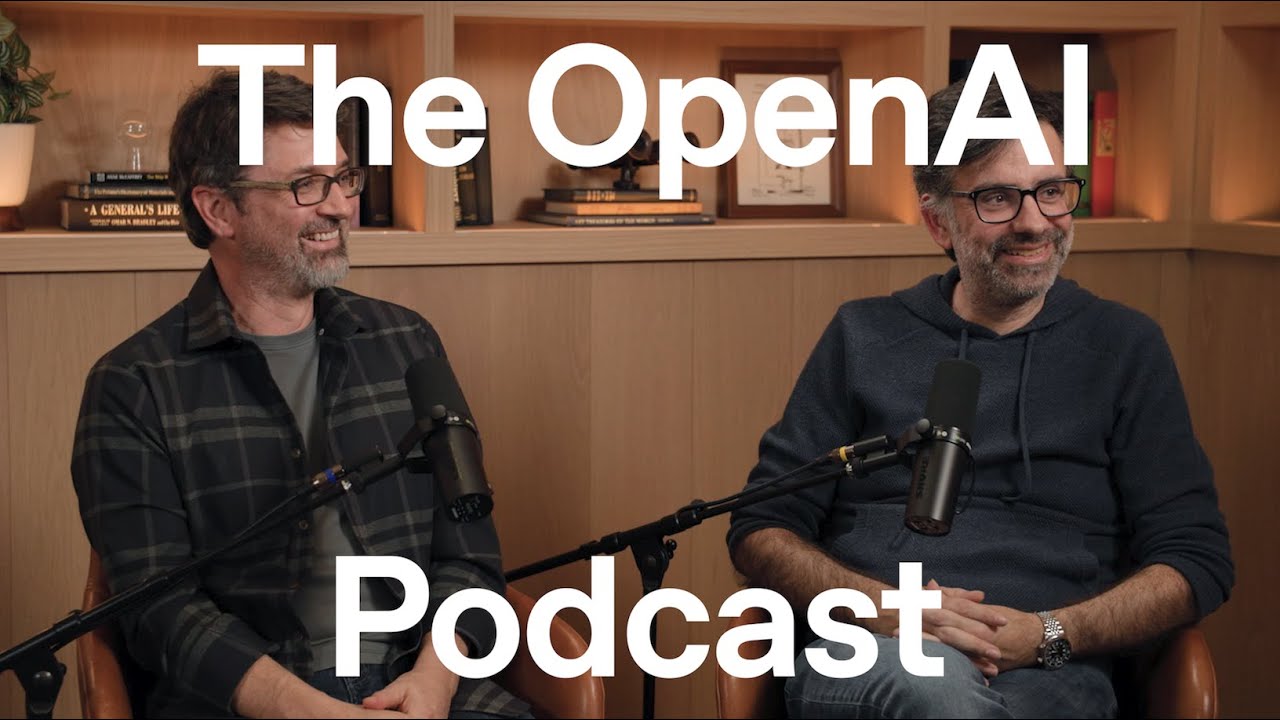
OpenAI’s Ben Goodger and Darin Fisher discuss the creation of ChatGPT Atlas, an AI-native browser designed to transform the web experience. They explore how integrating ChatGPT at the core enables agentic capabilities, allowing the browser to take actions on the user's behalf, from summarizing content to automating complex tasks. The conversation covers the architectural decisions behind Atlas, the future of agentic internet traffic, and the vision for a more intuitive, natural language-driven way of interacting with computers.
The Vision: A Browser for the AI Era
ChatGPT Atlas is designed as a new kind of browser for an era where natural language is the primary mode of interaction with technology. The core idea is to move beyond the browser as a simple document viewer and transform it into an active partner that helps users accomplish tasks. By placing ChatGPT at the heart of the browser—not just as an add-on or extension—Atlas can deeply understand the content on a page, take actions on the user’s behalf, and personalize the experience by learning from browsing activity over time.
This approach addresses the evolution of computing from complex command-line interfaces to a future where users can simply state their intent and have the system figure out the necessary steps. The browser becomes the next evolution of the “user agent”—a concept from the early web where software acted on behalf of the user. With LLMs, this user agent is supercharged, capable of understanding and interacting with a web that was designed for humans, effectively bridging the gap that the “semantic web” once tried to solve with structured data.
Agent Mode: The Browser as a “Doer”
The most significant shift in functionality is “Agent Mode,” which invites ChatGPT to take direct action on the web. This allows users to delegate complex or tedious tasks by expressing their goals in natural language.
Use Cases and Capabilities
- Data Manipulation: On a web-based spreadsheet, a user can ask the agent to “make a pie chart with this data,” and the agent will execute the necessary clicks and commands within the application’s UI.
- Content Creation and Review: The agent can be asked to perform a review pass on a document, adding comments and suggestions directly within the editing tool as if it were a human collaborator.
- Task Automation: It can automate multi-step processes, such as filling out a Google Form based on an outline it helped create, or navigating a complex cloud provider’s billing page to identify and shut down unnecessary services.
Safety, Control, and Trust
To ensure users feel in control, Agent Mode incorporates several key safety features:
- Sensitive Mode: When the agent accesses sensitive information like email, it requires the user to remain on the tab and observe its actions, much like a driver-assist feature in a car that requires the driver to pay attention.
- Emergency Stop: A prominent, “big red stop button” is always visible during agent tasks, allowing the user to immediately halt its actions at any time.
- Signed-Out Operation: Users can run the agent in a signed-out state, without access to cookies or authenticated sessions, to safely explore its capabilities and build trust.
Architecture and Technical Decisions
Building an entirely new browser was a deliberate choice to enable deep, system-wide integration of AI, which wouldn’t be possible with a simple extension.
Why a Full Browser?
An integrated approach allows for novel abstractions, such as giving an agent its own “workspace.” When an agent is working on a task, it can open and manage its own set of tabs in the background without cluttering the user’s main tab strip. When the task is complete, it presents the results, allowing the user to review the steps if they choose.
The “OWL” Architecture and Chromium
Atlas is built on Chromium for two primary reasons: web compatibility and extension support. Many websites are designed and tested exclusively for Chromium-based browsers, and users rely on the vast ecosystem of Chrome extensions.
However, Atlas uses a unique architecture. Instead of forking the entire Chromium codebase, it runs as a lightweight, native Swift application on macOS that controls a separate, out-of-process instance of the rendering engine, referred to as “OWL” (an embedding of Chromium). This separation provides several advantages:
- Performance and Stability: The Atlas UI remains fast and responsive, independent of the work being done by the web rendering process. If the OWL process crashes, the main Atlas application can restart it without crashing itself.
- Developer Productivity: Engineers can work on the Swift-based Atlas UI without needing to download and build the entire, massive Chromium codebase, enabling faster development cycles.
Key Features and User Experience
Beyond Agent Mode, Atlas introduces several features aimed at improving the core browsing experience.
- Ask ChatGPT Sidebar: This feature brings the power of ChatGPT to any webpage. Users can open it to summarize long articles, ask follow-up questions about the content, or get context without navigating away from their current page.
- Unified Prompt Bar: The traditional address bar and search box are merged into a single input field. It’s designed to seamlessly handle URLs, search keywords, and complex, natural language prompts, removing the user’s need to decide “where to type.”
- Scrolling Tabs: A non-AI feature designed to better manage a large number of tabs. It prevents the UI from becoming cluttered, allowing users to keep hundreds or even thousands of tabs open. This large “working set” of tabs is also visible to the model, enabling it to reference a much wider context of the user’s work.
- Browser Memories: Atlas uses browsing history to learn user preferences and personalize interactions. For example, if a user frequently visits a specific airline’s website, the agent will know to use that site by default when asked to find a flight. This feature is fully user-controllable.
The Five-Year Vision
The long-term goal is to create a world where users think less about the specific tools and more about their high-level goals. The vision is for agents to handle the “toil” and “grunt work”—like scouring the internet for information or comparing products—and then present curated choices to the user for a final decision. This could lead to a future where a majority of internet traffic is agentic, fundamentally changing how information is accessed and tasks are accomplished online. The team is actively working on bringing Atlas to more platforms, including Windows and mobile.