Computer-Use 2.0: Agents Just Got Multi-Cursor — Francesco Bonacci, Cua
This talk introduces cua driver, an open-source tool enabling AI agents to interact with computer GUIs in the background across macOS, Windows, and Linux by leveraging accessibility APIs. It details CUABench, a robust evaluation framework with over 130 verifiable tasks designed to benchmark and ensure the trustworthiness of computer-using agents, revealing current limitations in complex tasks like circuit design. Finally, it presents cua fleet, an infrastructure solution that optimizes GPU utilization and reduces costs for RL training of these agents by dynamically managing sandbox environments.
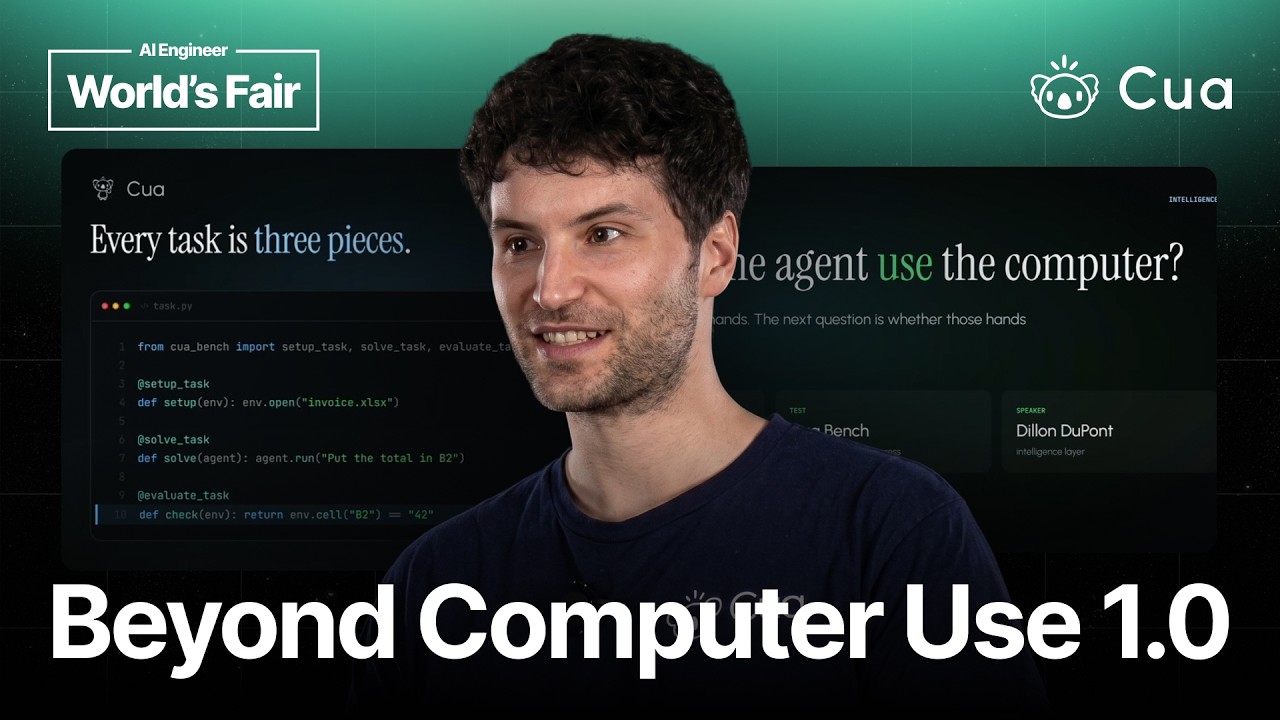
Francesco Bonacci, CEO, introduced the company’s vision for computer-using agents, drawing a distinction between “Computer Use 1.0” and their advanced cua driver.\n\n## Computer Use 1.0 vs. cua driver\n\nHistorically, “Computer Use 1.0” involved agents reasoning and planning via screenshots, then executing actions like clicking, typing, and scrolling, which monopolized the screen. This approach is inefficient and disruptive.\n\nIn contrast, cua driver, released open-source two months prior, allows agents to operate in the background. This innovation stemmed from Codex’s computer use model, inspiring the team to develop cua driver in a single weekend. The core “dark magic” behind this capability is the use of undocumented operating system APIs:\n- macOS: Apple framework’s undocumented APIs (e.g., AX).\n- Windows: UI Automation.\n- Linux: AT SPI.\n\nThese APIs allow agents to interact with background or hidden windows without stealing focus from the user or other agents. cua driver is the first of its kind to span macOS, Windows, and Linux, enabling any agent to connect to the underlying operating system through accessibility trees or, as a fallback, pixel-level background clicks when accessibility trees are insufficient (especially for Windows and Linux, which behave differently than macOS in this regard).\n\nTo ensure stability across releases, the team employs eight different application harnesses for rigorous testing. Early adopters like clicky, mass queno, h company, and droid factory have contributed significantly to the framework.\n\n## CUABench: Trusting Agent Intelligence\n\nDylan, CTO, then presented CUABench, an evaluation framework designed to address the critical question of how to trust agents to use their “hands” (provided by cua driver) correctly without causing issues. Inspired by benchmarks like TerminalBench, CUABench tasks are composed of three key elements:\n- setup function: Initializes the machine to a specific state.\n- oracle function: Provides a “golden trajectory” of GUI actions, serving as the ground truth.\n- evaluator: Probes the environment to verify the agent’s successful completion of the task.\n\nThe CUABench SDK allows developers to author GUI tasks that function identically across all desktop platforms from a single Python file. The current catalog boasts over 130 verifiable tasks across 42 environments and five platforms, all easily reproducible via a CLI.\n\nA recent addition, KUBench Kyad, developed in collaboration with Snorkel AI, tests computer-using agents on complex electrical engineering tasks using professional circuit design software. The results were humbling:\n- The top-performing agent achieved a full pass on only 6 out of 25 tasks.\n- Critically, all 6 successful tasks involved editing an existing schematic.\n- When tasks started from a blank schematic, the success rate for all models plummeted to 0%.\n- The overall leaderboard for these tasks remains flat, with no model exceeding a 30% reward.\n\nHowever, CUABench demonstrates the potential for improvement. By switching an agent’s computer tool from a built-in alternative to cua driver, the pass rate on a 4K benchmark increased from 62% to 80%, while simultaneously reducing token usage by 34%. This efficiency gain is primarily attributed to cua driver’s ability to focus on a single window rather than processing the entire screen.\n\nAddressing the meta-question of “can the eval be trusted?”, the CUABench team employs a rigorous pre-testing process: before any task is used to evaluate an agent, a “matrix of agents” attempts to “reward hack” and break the environment. Only tasks that withstand this adversarial pipeline are admitted into the dataset, reinforcing the principle that “it’s just evals all the way down."\n\nFurthermore, CUABench measures an agent’s intelligence beyond mere action execution by assessing its understanding of the operating environment. Every recorded run’s trajectory can be “forked” at any point, allowing the system to probe a model for predictions regarding reward, internal state, or other observations. This prediction, when compared against the forked state, quantifies the agent’s “world model."\n\n## cua fleet: Optimizing GPU Utilization for RL Training\n\nRob, Chief Infra Officer, discussed cua fleet, an infrastructure solution tackling the issue of idle GPUs in Reinforcement Learning (RL) training for computer-using agents, which represents significant “pure cost.” In typical sandbox environments, GPUs often wait for new sandboxes to spin up or existing ones to reset after completing a task.\n\nWhile minimizing sandbox startup time is beneficial, it’s often impractical for large, complex environments (e.g., 40GB). cua fleet addresses this by using a demand-based autoscaler to manage a dynamic pool of sandboxes. This pool scales to meet the immediate needs of the GPUs, meaning the size of the “warm pool” doesn’t need to be known upfront and can even change during multi-day training runs.\n\nCrucially, sandboxes are 2-4 times cheaper than GPUs. By having a degree of redundancy in the sandbox pool, the infrastructure absorbs the startup time cost, ensuring that GPU workers maintain full utilization. This approach provides instant sandboxes for GPUs across Windows, Linux, and Android (with macOS support forthcoming), leading to substantial cost savings.\n\n## Q&A: Mobile Android Background Computer Use\n\nDuring a Q&A, the topic of background computer use on mobile platforms was raised. It was noted that the Android ecosystem is more conducive to background computer use than iOS, particularly for tool use rather than direct GUI control. Discussions with the ARM team are ongoing regarding harnesses that run on Android, and solutions involve containerizing workloads or using the Activity framework for background tool use.