Human-in-the-Loop Automation with n8n — Liam McGarrigle
Liam McGarrigle demonstrates how to build secure, observable, and controllable AI agents in n8n. The workshop covers creating a human-in-the-loop workflow for managing Gmail and Google Calendar, focusing on n8n's visual system for tool configuration, prompting strategies, and implementing essential approval steps to prevent unintended actions.
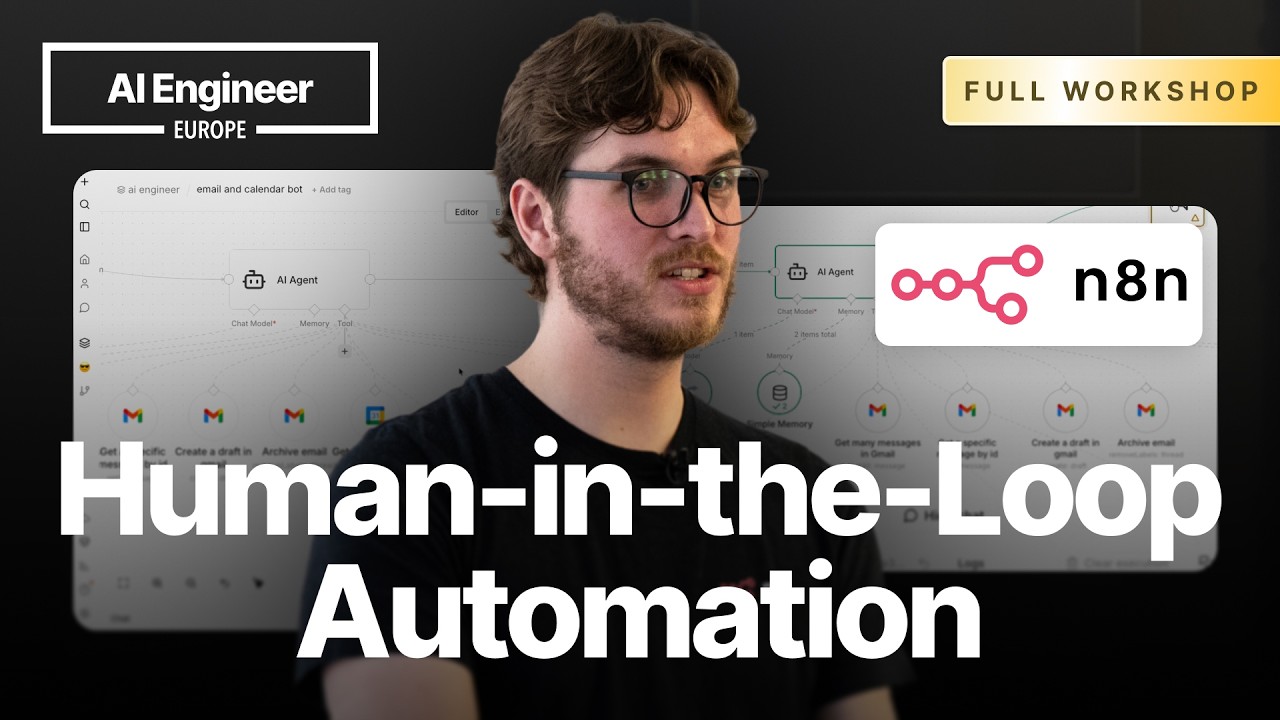
Building an AI agent is becoming increasingly easy, but the real challenge lies in creating observable, controllable, and secure systems. The key to production-ready AI is not just building an agent, but knowing what it’s doing, seeing what went wrong, and being able to tweak and fix it. This is where n8n stands out as a platform for building and orchestrating agents where you can see and control everything that happens.
n8n Fundamentals for AI
n8n is a visual workflow automation tool that combines the ease of low-code with the power of custom code. Workflows are built on a canvas and consist of several core components:
- Triggers: Every workflow starts with a trigger, which can be a schedule, a webhook, a form submission, or a chat message. For agentic workflows, the
Chat Triggeris the primary interface. - Actions: These are nodes that perform tasks in other applications, like sending a Gmail message or creating a Google Calendar event.
- Control Flow: Nodes like
Ifallow for conditional logic, enabling different branches of a workflow based on specific criteria. - Expressions: While n8n is visual, any field can be switched to an “expression”. This allows you to write JavaScript to manipulate data, reference outputs from previous nodes, and add dynamic logic directly where it’s needed. For example,
{{ $json.myValue }}references themyValuefield from the input data.
Constructing an AI Agent
The foundation of an AI workflow in n8n is the AI Agent node. This special node orchestrates the interaction between a language model, memory, and a set of available tools.
1. Core Setup and Memory
The agent requires a chat model. n8n is model-agnostic, supporting connections to OpenAI, Anthropic, and any provider with an OpenAI-compatible API via services like OpenRouter.
By default, agents are stateless. To enable conversational memory, you connect a memory node. The Simple Memory option is sufficient for most chat-based use cases, storing the conversation history within n8n itself. It uses a Session ID provided by the Chat Trigger to keep conversations separate.
2. Providing Tools to the Agent
Instead of a rigid, linear sequence of actions, an agent is given a set of tools it can use at its discretion. Any n8n node can be converted into a tool for the agent. For a personal assistant, this would include:
Gmail: Get Many MessagesGmail: Send MessageGoogle Calendar: Create EventGoogle Calendar: Get Many Events
A key security and control feature is that you define exactly which parameters of a tool the AI is allowed to control. By enabling a field for AI control, you are explicitly giving the LLM permission to populate that field, preventing it from manipulating other parameters.
3. The Importance of Prompting
Effective prompting is crucial for reliable agent performance. This happens at multiple levels in n8n:
- System Prompt: Located in the
AI Agentnode, this defines the agent’s overall persona, its purpose, and high-level rules. It’s important to include details like the current date and time (using an expression like{{ $now }}) since LLMs don’t have this context. - Tool Prompting: Each tool has a name and a description that are passed to the LLM.
- Node Name: Becomes the tool’s name. Use clear, action-oriented names like “Send an Email”.
- Tool Description: Describe what the tool does. This is a powerful place to add specific instructions or constraints related to that tool, making the system more modular.
- Field-Level Prompting: You can add a description to any individual parameter within a tool. This helps resolve ambiguity. For example, since the Google Calendar API uses
summaryfor the event title, you can add a description clarifying: “This is the title of the event”.
Implementing Human-in-the-Loop for Safety
The most critical component for building safe, production-ready agents is the ability to review and approve sensitive actions. n8n provides a Human Review node that makes this incredibly simple.
To implement it, you place the Human Review node on the connection between the AI Agent and a sensitive tool like Gmail: Send Message.
- Interception: The node transparently intercepts the agent’s attempt to use the tool. The agent is unaware of the review step.
- Approval Workflow: The workflow pauses and sends a message to a specified chat platform (like the built-in n8n chat, Slack, or Teams) with the details of the requested action and “Approve” / “Decline” buttons.
- Configuration:
- The
Chat Trigger’s response mode must be set toUsing respond nodes. This gives you full control over when and what messages are sent back to the user. - You must add a
Chat: Send a messagenode after theAI Agentto return the final LLM response. - The
Human Reviewnode’s message should be customized to show the user exactly what they are approving, using expressions to pull in parameters from the tool call (e.g.,To: {{$tool.parameters.to}}, Subject: {{$tool.parameters.subject}}).
- The
This pattern ensures that no email is sent or calendar event is created without explicit human approval, providing a powerful safety layer.
Scaling Up: Autonomous Agents and Sub-Agents
Once the core agent is built, it can be extended into more complex systems.
- Autonomous Operation: By replacing the
Chat Triggerwith aSchedule Trigger, the agent can run proactively (e.g., once an hour to process your inbox). It can still use theHuman Reviewnode to send approval requests to Slack for any actions it wants to take. - Sub-Agents: For more complex tasks, you can create a main agent that orchestrates multiple specialized sub-agents. For example, you could have a “Calendar and Email Agent” and a “GitHub Issue Management Agent”. This keeps prompts focused, improves performance, and allows you to use different LLMs optimized for each sub-agent’s specific domain.