911: The Future of Python Notebooks is Here — with Marimo’s Dr. Akshay Agrawal
Software developer Akshay Agrawal discusses Marimo, a next-generation reactive notebook for Python designed to solve the reproducibility and workflow issues inherent in traditional notebooks. He explains how Marimo's reactivity, developer-friendly design, and ability to transform into a data app create a seamless environment for exploration and deployment.
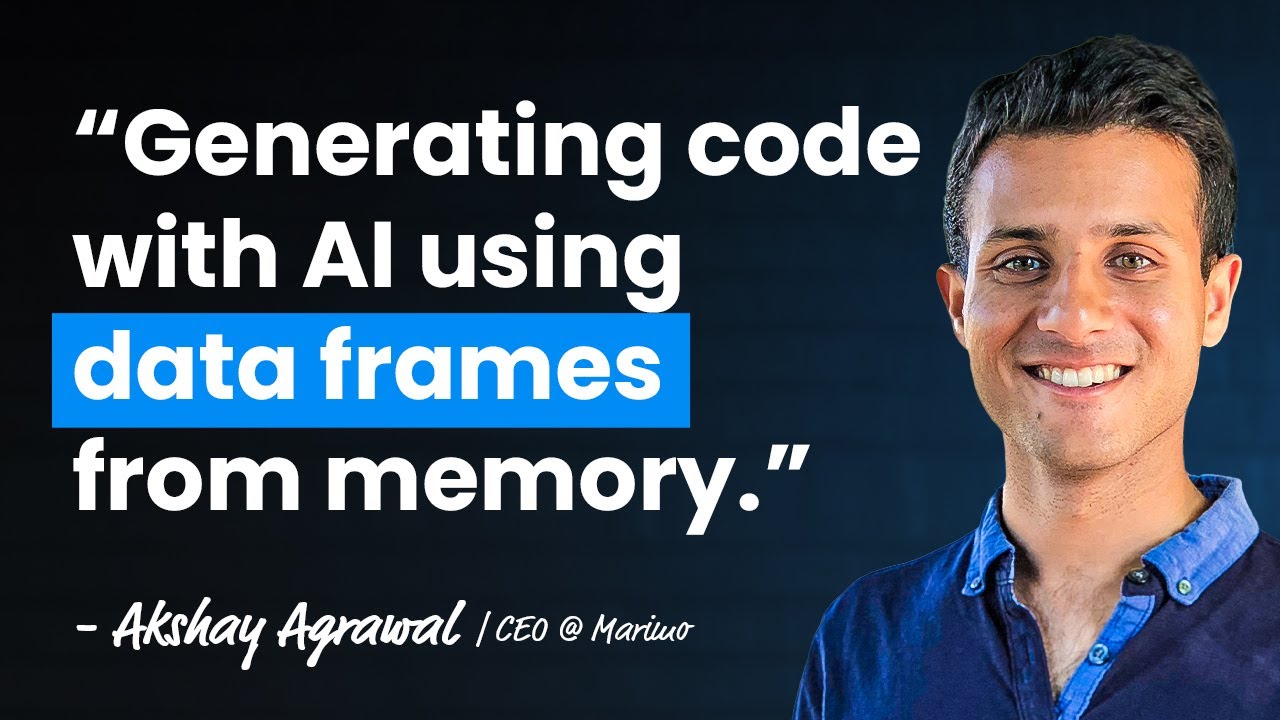
Akshay Agrawal, co-founder and CEO of Marimo, details the creation of a next-generation computational notebook for Python, born from the pain points he experienced with Jupyter notebooks during his PhD at Stanford. He observed that traditional notebooks suffer from several critical issues that undermine reproducibility and maintainability.
The Shortcomings of Traditional Notebooks
Agrawal identifies three core problems with the traditional Jupyter notebook paradigm:
- Poor Version Control: Jupyter notebooks are stored as large JSON blobs. This format makes tracking changes with tools like Git difficult, as even minor, non-code changes (like an image output) can create large, unreadable diffs. This complicates tracking the evolution of experiment code.
- The “Hidden State” Trap: Jupyter allows cells to be executed out of order, leading to a state of “quantum entanglement” where the program’s memory is inconsistent with the code on the page. A user might run cell 1, then cell 3, then cell 2, or forget to re-run a dependent cell after a change. This can invalidate hours of work and makes it nearly impossible to guarantee that the results can be reproduced. Agrawal notes, “your program memory is in some strange sort of quantum state that you don’t understand.”
- Package Management: Researchers often forget to meticulously track package dependencies and their specific versions in a
requirements.txtorpyproject.tomlfile. When a notebook is shared, the recipient cannot easily recreate the environment, making it difficult to reproduce the serialized results.
Marimo’s Solution: Reactivity and Reproducibility
Marimo was designed from first principles to address these issues, with its core feature being reactivity.
- Reactive Execution: In Marimo, the notebook runtime understands the dependency graph between cells. When a cell is modified and run, Marimo automatically executes all downstream cells that depend on it. This functions like a spreadsheet, where changing one value recalculates all dependent formulas. This ensures the notebook’s code and its outputs are always in sync, eliminating the hidden state problem.
- Controlled Execution: For computationally expensive operations like training a model on a GPU, users can mark a cell for “lazy” execution. In this mode, Marimo will mark dependent cells as stale but will not automatically run them, instead providing a button for the user to trigger the execution manually. This maintains state consistency without incurring unwanted costs.
- Enhanced Interactivity: Reactivity makes UI elements like sliders and dropdowns significantly more powerful. A slider can be tied to a variable, and as the user adjusts it, all dependent plots and analyses update in real-time. This creates a dynamic, interactive environment for data exploration. Users can even select data points in a plot with their mouse and have them returned to the Python kernel as a DataFrame for further analysis.
A Unified Developer Platform
Marimo aims to collapse the boundary between exploration and production, turning the notebook into a full-stack developer tool.
- From Notebook to Data App: With the push of a button, a Marimo notebook can be transformed into a performant data app by hiding the code cells. Unlike tools that re-run the entire script on every interaction, Marimo’s reactivity ensures only the necessary cells are re-executed, leading to much faster applications. These apps can be served on a server or even run entirely in the browser using WebAssembly.
- Python-Native Format: Every Marimo notebook is stored as a standard, executable Python (
.py) file. This makes them inherently Git-friendly and allows for clean version control. - Seamless Integration: Because notebooks are just Python scripts, they can be run from the command line (
python my_notebook.py). Furthermore, functions and classes defined within a notebook can be imported into other scripts (from my_notebook import my_function), which streamlines the “notebook-to-production” handoff and encourages writing modular, reusable, and testable code. Marimo notebooks even work withpytest.
AI-Native and Community-Driven
Marimo integrates AI to accelerate development and is built with close community input.
- Context-Aware AI Assistant: Marimo features a built-in AI assistant that can connect to backends like OpenAI, Anthropic, Gemini, or local models via Ollama. Crucially, the assistant is aware of the data held in the notebook’s memory. A user can prompt it with commands like, “using my dataframe @df, group by the country column,” and Marimo will pass the dataframe’s schema and sample data to the LLM. This allows the AI to generate accurate, runnable code that uses the correct column names and syntax.
- Building an Open-Source Community: Agrawal emphasizes that fostering a community requires genuine engagement. This includes being highly responsive on Discord, quickly triaging issues, and shipping bug fixes rapidly—sometimes on the same day a report is filed. He notes that this level of care “kind of wins a supporter for life.” They encourage contributions of all kinds, from code pull requests (with “good first issue” tags for newcomers) to documentation improvements and feature requests.