Let's go Bananas with GenMedia — Guillaume Vernade, Google DeepMind
Guillaume Vernade from Google DeepMind demonstrates a full generative media pipeline, using Gemini to read a public domain book and act as a master prompt engineer for other models. Imagen generates character portraits, Veo animates scenes into video, Lyria composes a unique soundtrack for each chapter, and a clever TTS trick creates a multi-character audiobook.
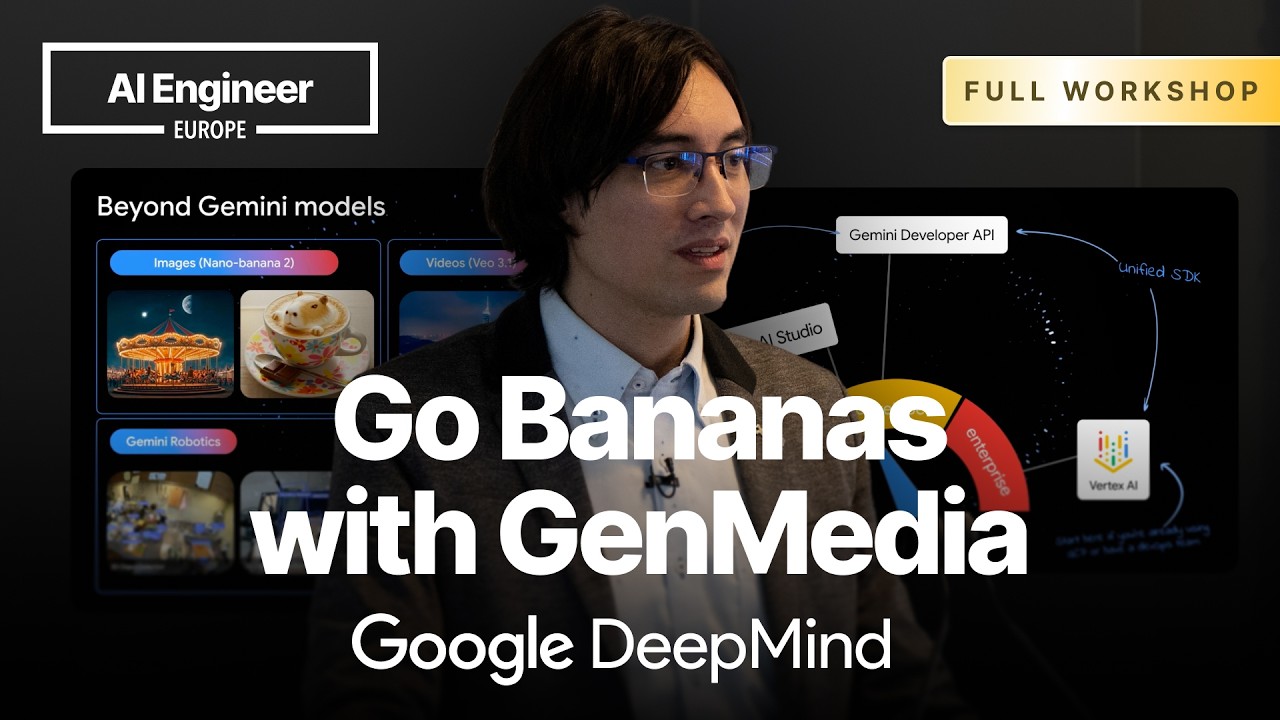
Gemini can function as a master prompt engineer, or an orchestrator, for a suite of specialized generative media models. By feeding a large language model a single, rich source of context—in this case, the full text of a public domain book—it can generate tailored prompts for image, video, music, and speech models to create a complete, multi-modal illustration of the original work. This process leverages the large context window of models like Gemini and the fact that many of Google’s generative media models were trained on prompts written by Gemini, making it particularly effective at this task.
The “World Model” Vision and Gen Media Stack
Google DeepMind’s vision is to build a “World Model” that can ingest and output as many modalities as possible—sound, video, text, sensor data, and more. While the ultimate goal is a single, all-encompassing model, for practical release purposes, functionality is shipped via specialized models:
- Imagen for image generation.
- Veo for video generation.
- Lyria for music generation.
- TTS for text-to-speech.
All these models are built with multimodality at their core. For instance, Gemini 1.0 was intended to be multimodal from the start, but the image understanding capabilities were disabled in the initial public release, with true multimodality being exposed in later versions like Gemini 1.5.
Live Demo: Illustrating a Book with an AI Orchestra
The workshop demonstrates this orchestration concept by illustrating Kenneth Grahame’s The Wind in the Willows. The entire book is uploaded using the file.upload API, providing the full context to a Gemini model in a single pass.
The process relies heavily on a “chat mode” where the conversation history, including the uploaded book, is maintained. This ensures that every subsequent request has the full context, which is crucial for maintaining stylistic and character consistency. For production use cases, a more efficient method is the new Interactions API.
Step 1: Gemini as the Prompt Engineer for Characters
The first step is to establish a visual identity for the characters.
- A prompt is sent to Gemini asking it to read the book and generate detailed, descriptive image prompts for each of the main characters.
- A consistent artistic style is defined (e.g., “a colorful building block style”) to guide all visual generation.
- These Gemini-generated prompts are then fed to the Imagen 2 model to generate the character portraits. By using a chat session for the image model, it remembers the previously generated images, helping to maintain a consistent style across all characters.
Step 2: Illustrating Chapters with Imagen and Reference Images
To illustrate the book’s chapters, a more refined technique is used to ensure character consistency.
- Gemini is first asked to generate a prompt describing a key scene from a chapter.
- Crucially, it’s also asked to output a list of the specific characters present in that scene using structured output.
- Instead of relying on chat history, a direct
generate_contentcall is made to the image model. This call includes the scene prompt and the previously generated portrait images of only the characters who appear in that scene.
This method of providing specific reference images gives the model stronger guidance on how characters should look, leading to more accurate and consistent chapter illustrations compared to relying solely on chat history.
Step 3: Animating Scenes with Veo
Static images are brought to life using the Veo text-to-video model.
- A generated chapter image is used as the first frame for the video, providing a clear starting point.
- A key insight is that simply reusing the image prompt for the video is suboptimal. A better approach is to have Gemini write a new, dedicated prompt for Veo that describes the action that occurs immediately following the moment depicted in the static image. This results in a more logical and dynamic animation.
Step 4: Composing a Soundtrack with Lyria
The Lyria model is used to generate a unique musical score for each chapter.
- Gemini is prompted to create instrumental music prompts for Lyria, tailored to the mood and events of each chapter (e.g., a “pastoral suite” for a chapter by the river, an “adventurous” theme for a chapter on the road).
- The process is then extended to include vocals. Gemini is asked to write lyrics that summarize the chapter’s events.
- These lyrics are simply included in the prompt sent to Lyria, which understands how to compose music and generate a singing voice to perform them. The output from Lyria includes the audio file and a structured list of lyrics with timestamps, suitable for creating applications like a karaoke-style reader.
Step 5: Voice Acting with a Multi-Persona TTS Trick
A clever technique can be used to simulate a multi-character dialogue using a limited number of voices from the Text-to-Speech (TTS) model.
- Gemini extracts a dialogue-heavy scene from the book.
- It is instructed to assign different speaking styles to each character, even if they share the same underlying voice model.
- These styles are written as parenthetical instructions directly in the script, for example:
Rat (with long poetic pauses)orMole (breathless and stuttering).
The TTS model interprets these parentheticals as performance notes, modulating the pitch, pacing, and cadence of the single voice to create the convincing illusion of distinct characters, effectively turning one voice actor into a full cast.
Advanced APIs for Efficiency and Real-Time Interaction
- Interactions API: This new stateful API is a more efficient alternative to standard chat sessions for multi-turn conversations. It caches the context (like the uploaded book) server-side and uses an
interaction_idto reference it in subsequent calls. This avoids the cost and latency of re-sending the entire context with every turn and makes it easier to “fork” conversations for different tasks. - Lyria Realtime: This is a predictive model, distinct from the diffusion-based Lyria model used for generating clips. It generates music continuously and can alter the composition mid-stream in response to new prompts, much like a live DJ. This opens up possibilities for dynamic, interactive audio experiences in applications like video games, where the music could adapt in real-time to player actions or location.
For more examples and code, you can explore the Google Generative AI Cookbook.