Agentic Search for Context Engineering — Leonie Monigatti, Elastic
Leonie Monigatti from Elastic provides a practical guide to agentic search, arguing that effective context engineering is not just a retrieval problem, but a search problem. The workshop explores the trade-offs between specialized tools (like semantic search) and general-purpose tools (like shell and SQL execution), offering a "low floor, high ceiling" framework for building a robust and efficient retrieval stack for AI agents.
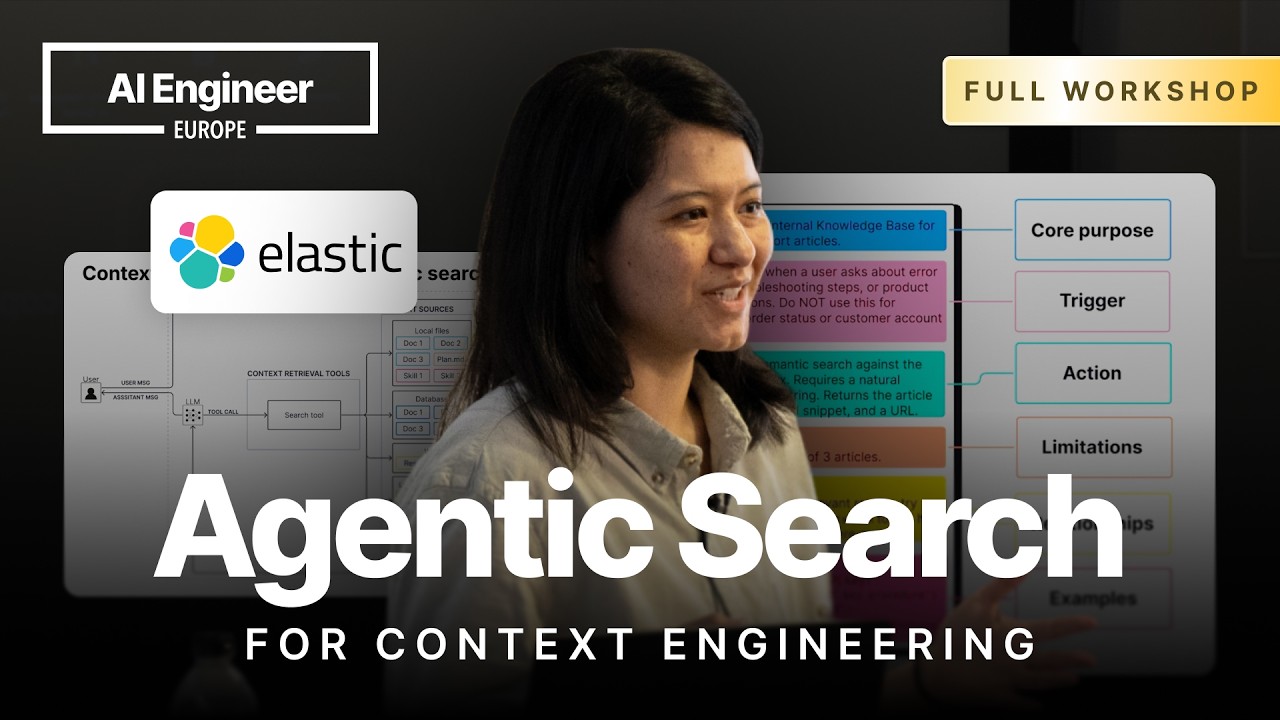
Context engineering, the process of selecting what information goes into an LLM’s context window, is approximately 80% an agentic search problem. The focus is often on the retrieval pipeline, but the real challenge lies in the search tools that power an agent’s ability to decide what to pull from various context sources.
The Evolution from Fixed RAG to Agentic Search
The journey began with standard Retrieval-Augmented Generation (RAG), which used a fixed pipeline: a user’s query was used verbatim for a vector search to retrieve chunks from a database. This approach has several limitations:
- It retrieves context even when not needed, potentially confusing the LLM.
- It’s a single-shot retrieval, which is insufficient for multi-hop questions where initial results might inform a subsequent search.
This led to agentic RAG, where the fixed pipeline is replaced by a search tool. The agent can now decide if and when to call the tool, rewrite queries, and perform multiple retrieval steps. However, this model often assumes a single context source, like one database. In reality, context is distributed across many sources:
- Local files (e.g., codebases, project plans)
- Databases
- The web
- Working memory (e.g., scratchpads)
- Long-term memory
- Agent skills
The Diverse Landscape of Search Tools
To interact with these sources, agents need a variety of tools. This includes context-native tools (search_files, skill_loading_tool, semantic search) and more versatile, general-purpose interfaces.
A particularly powerful tool is the shell tool (also known as bash or exec tool), which allows an agent to run terminal commands. This makes it incredibly versatile, enabling it to:
- Explore local files using
lsandgrep. - Interact with databases via their CLIs or by making
curlrequests. - Perform web searches.
The core question becomes: which tool should an agent use? There is no single silver bullet. Good search is incredibly difficult, which is why so many different techniques exist (vector search, keyword search, various indexing strategies). The key is to curate a stack of search tools tailored to your specific requirements.
Common Failure Modes and Best Practices
Building agentic search systems can be brittle. Three common failure modes are:
- The agent doesn’t call any tool, incorrectly relying on its parametric knowledge.
- The agent calls the wrong tool (e.g., using a web search tool when it should query a private database).
- The agent generates incorrect parameters for the chosen tool, especially for complex queries.
To mitigate these issues, focus on two key areas:
- Detailed Tool Descriptions: A simple one-line description is not enough. A good description should include the tool’s core purpose, trigger conditions (when to use it and when not to), and its relationships with other tools (e.g., “call this skill first”).
- Reinforcement in the System Prompt: If a detailed description isn’t sufficient, reinforce the tool-use logic directly in the agent’s system prompt.
Demo 1: Specialized vs. General-Purpose Database Tools
A demonstration using conference session data in Elasticsearch highlighted the trade-offs between different tool types.
-
Semantic Search Tool: A simple semantic search tool worked well for conceptual queries like “sessions about regulatory constraints.” However, it failed on a specific keyword search for “GPA,” incorrectly retrieving sessions about Google’s “Gemma” models due to token similarity. The tool was too specialized and lacked keyword or filtering capabilities.
-
General-Purpose Query Tool: The semantic tool was replaced with one that allowed the agent to write and execute entire ESQL (Elasticsearch SQL) queries. The agent initially failed, generating an ESQL query with a
SQL-style %wildcard instead of the correct*wildcard, resulting in zero results.- Solution: This was solved by introducing an agent skill—a piece of documentation explaining ESQL syntax. The tool’s description was updated to instruct the agent to first load the ESQL skill before attempting to write a query. With this guidance, the agent successfully loaded the skill, learned the correct syntax, and retrieved the correct session.
- Benefit: This general-purpose approach also enabled the agent to perform complex operations like aggregations (e.g.,
COUNTsessions on a specific date), offloading the calculation from the LLM to the database for greater accuracy and efficiency.
Demo 2: Augmenting the Shell Tool
A second demo showed how to search the same data in a local file system.
-
Basic Shell Tool: Using standard commands like
lsandgrep, the agent was able to find the session on “GPA.” For the semantic query “handling regulatory constraints,” the agent cleverly chained multiplegrepcommands with a list of synonyms (compliance,GDPR,governance). While successful, this approach is inefficient and brittle. -
Augmented Shell Tool: To improve this, a custom CLI for semantic search,
gina-grep, was introduced. The system prompt was updated to explain whatgina-grepdoes and when to use it (for semantic queries) versus standardgrep(for exact matches). The agent then correctly usedgina-grepon the first try, finding the relevant session far more efficiently.
Recommendation: A “Low Floor, High Ceiling” Approach
There is no one-size-fits-all tool. The most effective strategy is to provide agents with a balanced set of tools based on the “low floor, high ceiling” concept from user experience design.
- Low Floor (Specialized Tools): These are simple, out-of-the-box tools for common, well-defined tasks (e.g.,
getCustomerByID). They are efficient and have a low error rate because the agent can use them with minimal reasoning. - High Ceiling (General-Purpose Tools): These are powerful, flexible tools like the shell or a query execution tool. They allow the agent to handle complex, unexpected, or novel queries but are more error-prone and may require multiple iterations to get right.
If you don’t know your users’ query behavior yet, start with a general-purpose tool. Log the agent’s interactions and identify recurring tasks or common failure patterns. Use these insights to build specialized, purpose-built tools that make the agent more efficient and reliable over time.