Your Agent Is an Infinite Canvas — RL Nabors, Dressed for Space
RL Nabors makes a case against chat as the permanent UI for agents, arguing it's the "terminal" to the future "iPhone" of rich, interactive experiences. She demonstrates how to build these experiences using web technologies, introducing MCP Apps for in-agent UIs and WebMCP for making existing websites agent-callable, positioning the web platform as the ultimate "infinite canvas".
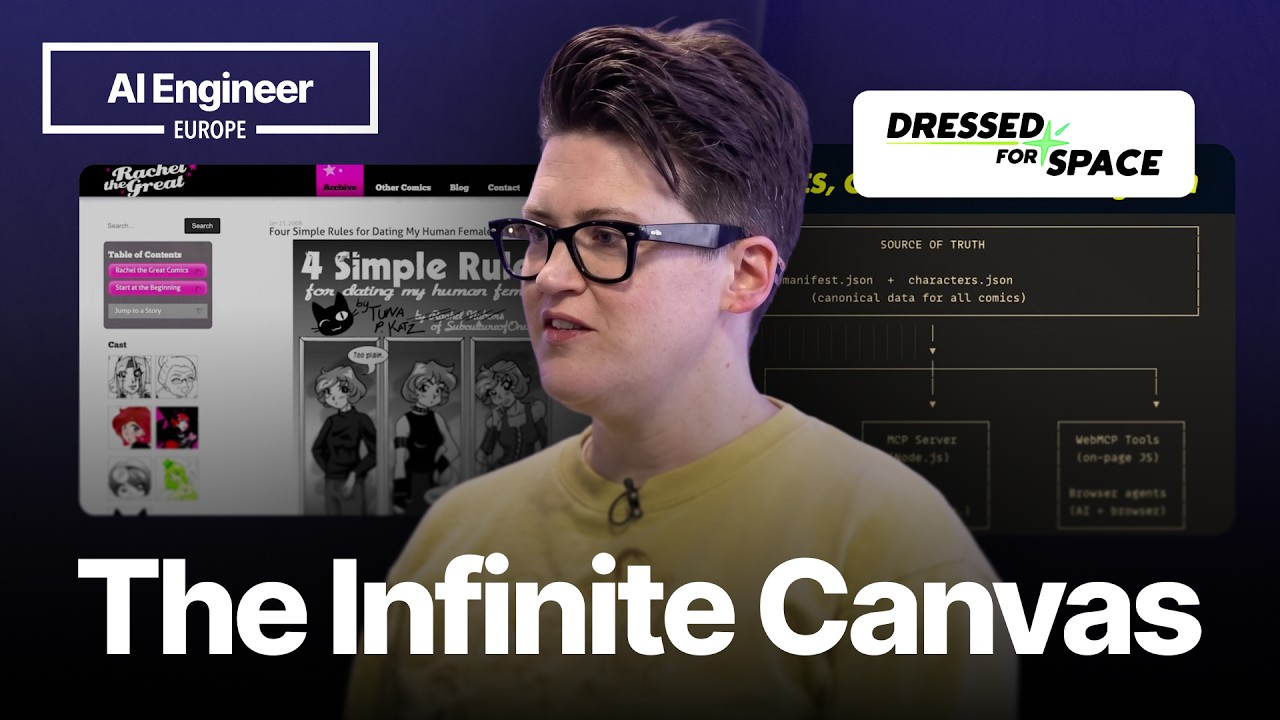
The current chat-based interface for agentic software is a transitional phase, much like the command-line interface (CLI) was for desktop computing. While developers are comfortable with it, the future of agentic experiences lies in rich, interactive graphical user interfaces. The web platform, with its existing primitives and APIs, is not dying but evolving to become the “infinite canvas” for these next-generation applications.
This evolution is demonstrated through a project to modernize a webcomic archive, making it accessible to three types of clients: humans in browsers, humans in agents, and agents in browsers acting on behalf of humans.
MCP Tools and Transports
To make a service available to an agent, you can expose its functions as MCP (Model-Component-Protocol) tools. The communication between the MCP server and the agent happens via transports.
- STDIO (Standard Input/Output): The server runs as a local process spawned by the client. This is often configured via a command-line string in a JSON file, which can be cumbersome for end-users.
- HTTP: The server runs as a web service, listening at a standard HTTP endpoint. Users can add the tool simply by providing a URL in the agent’s settings (e.g., in Claude). This is more user-friendly and works well with modern serverless architectures like Vercel or Cloudflare edge functions.
For the webcomic project, tools were created for list_comics, list_storylines, list_characters, search_comics, and get_transcript. Most return structured JSON, but get_transcript returns Markdown.
A Call for MCP Resources
There’s a significant gap in the current agent ecosystem regarding MCP resources. These resources are ideal for providing large amounts of context, like documentation or, in this case, the full text of all comics for meta-analysis. Agents currently struggle with using tools to incrementally add this kind of data to their context. A proper implementation of MCP resources would allow agent harnesses to efficiently pre-prime the context when a user switches to a specific toolset (e.g., loading all React documentation when entering “React mode”).
MCP Apps: Creating Rich In-Agent Experiences
While tools can return plain data, they can also return a fully interactive MCP App. This addresses the limitations of chat, which often presents users with a “wall of text” and requires them to do all the discovery work.
An MCP App is a single, bundled HTML file containing all necessary HTML, CSS, and JavaScript. This allows for the creation of rich media experiences that render directly inside the agent’s interface. In the comic example, the get_page tool returns an MCP App that functions as a comic reader, complete with navigation, commentary, and a transcript-viewing mode, all styled to match the original website.
Key Technical Considerations for MCP Apps:
- Sandboxing: Apps run in a sandboxed iframe with no access to
localStorage, meaning state is not persisted across sessions. - Network Access: All network requests must be proxied through the agent using the
callServerfunction. This creates a “mother may I” situation for every external call. - Content Security Policy (CSP): External resources like fonts or images are blocked by default. You must configure a CSP to allow them.
- Permissions: Opening external links requires explicit host permission via a call like
appref current openLink. - Tool Visibility: When an MCP App calls a tool (e.g., for navigation), that tool’s visibility should be set to
appto prevent the model from attempting to interpret its JSON output as a text response.
WebMCP: Making Websites Agent-Callable
While MCP apps bring UIs into agents, WebMCP does the reverse: it allows agents in the browser to call a website’s functions directly, without resorting to inefficient and brittle methods like screenshot parsing or DOM traversal.
WebMCP is inspired by MCP but is a distinct, browser-focused specification. It enables a webpage to expose its functionality as a mini MCP tools server.
- Declarative Model: Add
tool_nameandtool_descriptionattributes directly to an HTML<form>to expose it as a tool. This is ideal for sites with existing forms. - Imperative Model: Use
navigator.modelContext.registerToolsin JavaScript to register functions as tools. This is more flexible and suited for API calls, workflows, and data transformations. By registering anext_pagefunction, the agent can navigate the site programmatically.
The Future is the Web Platform
The web is not being replaced; its core technologies are becoming the language of interactive experiences within agents. The vast array of existing browser APIs—Web Speech, Web Animation, Audio, Canvas, WASM, and more—are available today to build rich, multi-modal agentic applications. They provide a zero-dependency foundation for creating experiences that go far beyond text-based chat.