MCP UI: Extending the frontier — Liad Yosef and Ido Salomon, MCP Apps
MCP Apps transform tools into interactive UI inside hosts like ChatGPT and VS Code. This summary covers the core architecture, the paradigm shift towards a 'new web' of composable UI, and the future of distributing applications in an agent-first world.
The Problem with Text-Based Tool Responses
Traditionally, when AI agents and chat interfaces use tools, they return information as a plain wall of text. This approach has significant drawbacks:
- Loss of Identity: It’s impossible to distinguish the source of the information, whether it’s from Shopify, Booking.com, or another service. This erodes brand identity.
- Poor User Experience: Textual data dumps are often hard to parse and lack the interactivity and rich presentation users are accustomed to.
- Barrier to Adoption: Many companies were hesitant to integrate with platforms like ChatGPT because their rich applications would be reduced to simple text.
MCP Apps were created to solve this problem by allowing tools and services to send their own interactive, branded UI directly into the chat interface.
The Core Architecture of MCP Apps
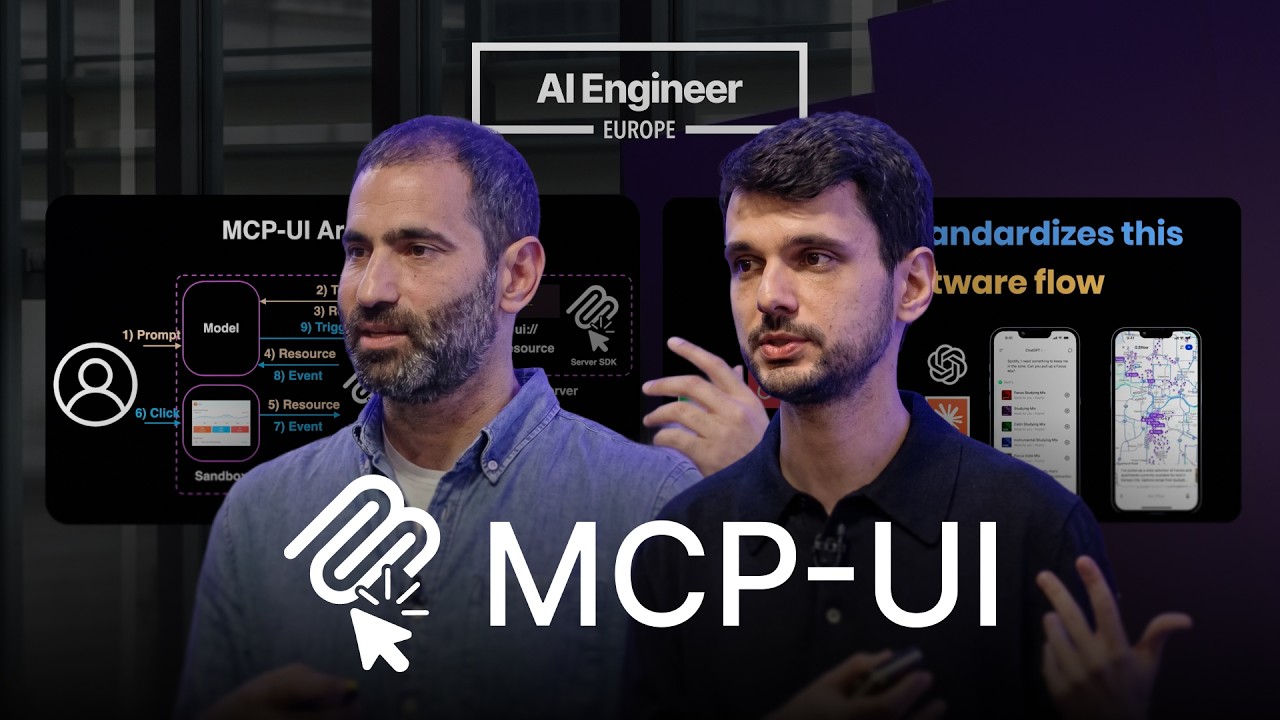
MCP Apps introduce a standardized way to pass UI over the MCP protocol and manage interactions, ensuring the host (e.g., ChatGPT, Claude) remains in control.
- From Text to Resource: Instead of a tool call returning a text response, it returns a resource, which is typically a chunk of HTML.
- Host Rendering: The host application, which supports the MCP App specification, receives this resource and renders it within a secure, sandboxed environment.
- Interaction Stays in Context: The most critical architectural decision is how user interactions are handled. When a user clicks a button or interacts with the UI chunk, the event does not communicate directly with the tool’s backend. Instead, it sends a standardized message back to the host.
- Host-Controlled Flow: The host receives this message (e.g., a tool call request) and decides the next action. It might call another tool, generate a follow-up response, or fetch an additional resource. This ensures the entire interaction remains within the context of the conversation, allowing the AI model to track the user’s journey.
This bidirectional flow turns a simple chat into a dynamic application environment. Messages from the UI to the host exist on a spectrum of control, from a simple notification (e.g., “item added to cart”) to a tool_call (e.g., “book this flight”) or a prompt (e.g., “user asked for more options”).
A Spectrum of UI Generation
The MCP App standard is agnostic to how the UI is generated, supporting a full spectrum of methods to fit different use cases.
- Predefined UI: This is the classic approach where a company like Airbnb or Shopify builds and sends its own complete, “black box” UI component. This method is ideal for preserving brand identity and complex, perfected user journeys.
- Declarative UI: A middle ground where the tool sends a structured description of the UI (e.g., a JSON schema), and the host is responsible for rendering the native components. This allows the host to maintain a consistent look and feel across different apps, which is useful for platforms that want to avoid a disjointed user experience.
- Generative UI: In this model, the AI generates the UI on the fly based on the context. Anthropic’s Claude, for example, can generate UI to explain a concept or create a form for a user action. This generated UI is streamed into an MCP App component, which then uses the same standardized message-passing mechanism to handle interactions.
A New Paradigm: The Agent-First Web
MCP Apps are more than a technical protocol; they represent a fundamental shift in how applications are distributed and consumed, ushering in an era of a “new web.”
- Decomposition of Websites: Monolithic websites and dashboards are no longer the primary point of interaction. Instead, their functionality is decomposed into atomic, context-aware UI “chunks.”
- The Agent as the Browser: The personal assistant or agent becomes the central orchestrator. It understands user intent and pulls in the relevant UI chunks from various services—a calendar widget from Google, a product card from Amazon, a map from Booking.com—to assemble a cohesive experience in a single chat interface.
- Synergistic Value: This model is a “win-win-win”:
- For Services: They retain their brand identity and get distribution to massive user bases.
- For Users: They get a familiar, trusted UI without having to navigate multiple tabs and websites.
- For Hosts: They can provide rich, domain-specific experiences without having to build the UI for every possible tool.
Ecosystem, Adoption, and the Future
The MCP App specification is an official extension of the MCP standard, developed in partnership with OpenAI and Anthropic.
- Wide Adoption: It has seen rapid adoption by major hosts, including ChatGPT, Claude, VS Code, Cursor, and Microsoft Copilot. Early adopters like Hugging Face and Shopify have been using the underlying principles for over a year.
- Community and Standardization: There is a robust community with an official MCP Apps repository, public work group meetings, and Discord channels for developers and hosts. The goal is to establish MCP Apps as the global standard for UI in chat by 2026.
- Future Developments: The specification is continuously evolving. Key areas of future work include:
- Reusable Views: Allowing a single UI instance to be referenced and updated multiple times to improve performance for complex applications (e.g., Autodesk).
- Model-to-View Interaction: Enabling the AI model to programmatically interact with a UI—clicking buttons, filling forms—to close the automation loop, creating a standardized alternative to tools like WebMCP.
How to Get Started
Developers can participate in the MCP Apps ecosystem in two primary ways:
- As a Server/App Developer: Use the official XApps SDK to easily build applications. It provides “skills” that can generate MCP App UIs and is always compliant with the latest version of the spec.
- As a Host Developer: Integrate the MCPUI client SDK, which is a simple React component that provides out-of-the-box support for rendering MCP Apps.