Inside image generation’s Renaissance moment — the OpenAI Podcast Ep. 19
Product lead Adele Li and researcher Kenji Hata from OpenAI discuss the significant advancements in Images 2.0, covering breakthroughs in photorealism, text rendering, and multilingual support. They explore new productivity and creative use cases, the evaluation process, and the future of image generation as a creative assistant.
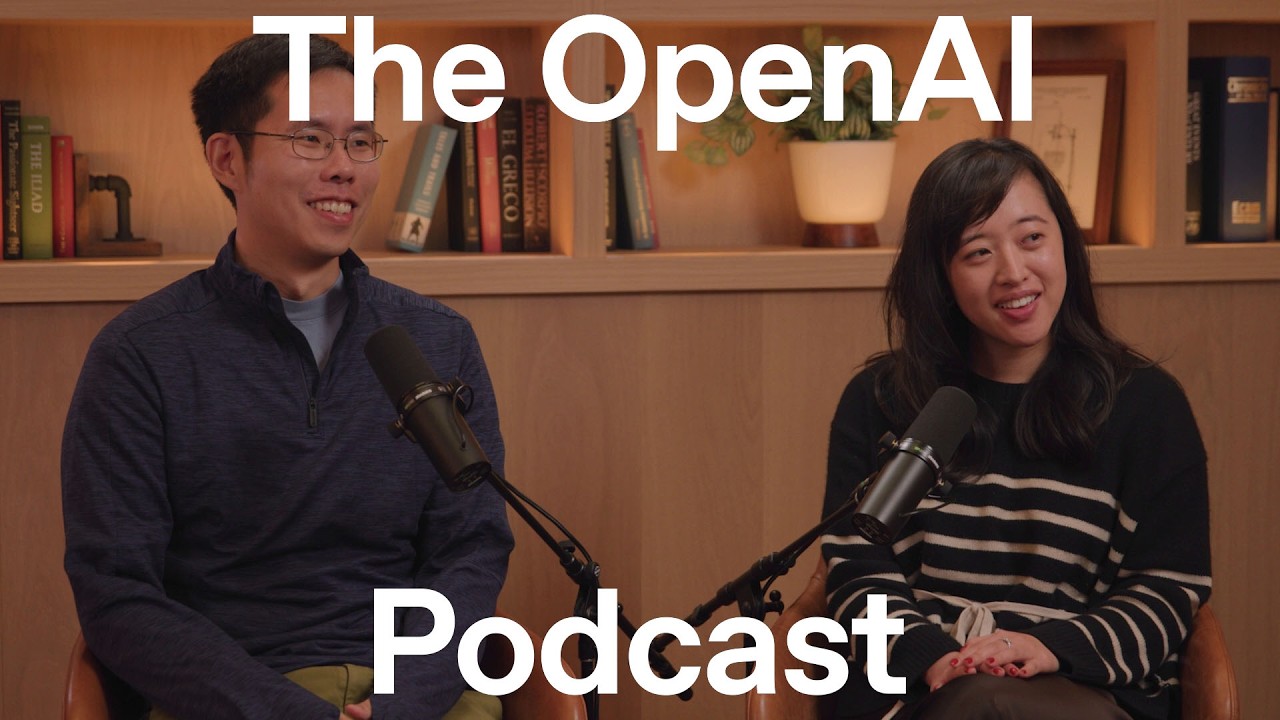
The latest iteration of OpenAI’s image generation model, referred to as Images 2.0, represents a monumental leap forward, moving from the “Stone Ages” of early DALL-E to a new “Renaissance.” This version is not just an incremental update but a paradigm shift, combining artistic aesthetics with scientific and architectural precision, leading to a surge in adoption with over 1.5 billion images generated weekly in ChatGPT.
A Leap in Core Capabilities
The development of Images 2.0 focused on a step-change in capabilities, addressing key feedback from previous models and unlocking new use cases.
Text Rendering and Composition
A significant breakthrough is the model’s ability to render text with high fidelity. Early models struggled to generate coherent words, but the new version can create complex infographics and diagrams with accurate, legible text. This improvement stems from the model’s enhanced ability for variable binding—correctly placing multiple distinct elements in a single image. An internal test that grew from generating 5-8 objects correctly to consistently rendering nearly 100 demonstrates this progress. As Kenji Hata notes, the model’s understanding of “not only what to say, but how to present it is a superpower.”
Photorealism and World Knowledge
The team made a concerted effort to improve photorealism, moving beyond the glossy, idealized look of earlier models to outputs that resemble high-quality photographs. This was a direct response to user feedback about unrealistic depictions of people. The model now possesses a deeper “world understanding,” imbuing it with knowledge of science, complex concepts, and aesthetics, which allows it to generate images that are more trustworthy and realistic.
Expanded Functionality
- Multilingual Support: A key focus was making the model effective in various languages, which has led to wider adoption and new trends in Asia and Europe.
- Aspect Ratios: An emergent capability allows the model to render images in any aspect ratio. This has enabled users to create everything from “long, amazing panoramics” to “skinny bookmarks” and even interactive 360-degree images.
- Character Consistency: The model demonstrates a unique ability to maintain the consistency of characters and aesthetics across multiple images, enabling the creation of multi-page comic books and slide decks with a coherent narrative and style.
Training, Evaluation, and the Path to Quality
The model’s advancements are the result of iterative learning, sophisticated post-training, and rigorous evaluation.
The “Aha” Moment
The team knew they had a breakthrough early in the training process. Kenji Hata recalls a moment when they sampled a checkpoint and compared its output—a simple image of a woman by the seaside—to the previous model’s. The improvement was so obvious and significant that there was “no question” they had achieved a major leap in quality.
Post-Training for Aesthetics
Beyond raw technical capability, the post-training process was crucial for refining the model’s “taste.” The team grappled with subjective questions like, “What makes the model or output beautiful?” and “How do you make it look realistic?” This involved training the model to have a strong aesthetic sense that resonates with users across a wide dynamic range, from professional consulting decks to fun, personal memes.
Evaluation and Benchmarks
The team uses a variety of evaluations to test the model’s limits:
- Objective Tests: Generating a grid of 100 random objects to test composition and variable binding.
- Targeted Evals: Researchers focused heavily on photorealism with prompts like “a woman holding a jug of orange juice” or a “half full glass of wine” to test challenging details like transparency and reflections.
- Personalized Evals: Product lead Adele Li uses a personal test called the “me, me, me eval,” which involves generating images of her friends and family in goofy situations to test both raw capability and ChatGPT’s contextual understanding and personalization.
Use Cases: From Productivity to Self-Expression
Images 2.0 has unlocked a vast array of applications across professional and personal domains.
Productivity and Education
The model is becoming an indispensable tool for productivity. Internally at OpenAI, over 50% of presentation slides are now created with the image model. Its ability to generate high-quality infographics and diagrams makes it powerful for education. A biology professor used it to create “perfectly accurate” graduate-level textbook diagrams, demonstrating its power to distill complex topics into an easily understandable visual format. This supports a trend toward personalized learning, where educators can create custom content tailored to each student’s needs.
Viral Trends and Creative Expression
While productivity is a growing area, the model is also a powerful tool for self-expression. Viral trends often revolve around a desire for “authenticity, imperfection, nostalgia,” as seen with prompts that mimic Microsoft Paint or crayon scribbles. Adele Li notes, “it takes a lot of intelligence to actually create something that is imperfect.” These trends highlight a desire for users to interact with AI in a more fun, authentic, and goofy way.
The Future: Creative Agents and Prompting Tips
The journey is still in its early stages. The ultimate goal is to evolve the image generation tool into a creative agent—a true creative assistant that works alongside the user. This agent would understand a user’s preferences, style, and goals, acting as a personal interior designer, architect, or brand manager.
The integration with tools like Codex is a powerful example of this future. Users can now generate a website design with the image model and then have Codex write the code to build it, enabling zero-shot creation of complex applications.
Prompting for Better Results
- Use Thinking Mode: The “thinking” or “pro” models in ChatGPT offer a more powerful version that can search the web and analyze files to produce higher-quality, better-composed images.
- Be Open-Ended but Stylistically Specific: Give the model an open-ended task but ground it in a specific aesthetic or style (e.g., “minimalist infographics”). The model can perform its own research and reasoning to fill in the gaps.
- Provide Context: Uploading inspiration or reference images is a highly effective way to guide the model’s output, as it can capture the “spirit” of the context provided.