From Your Laptop to the Pipeline: Scaling Custom Agents with GitHub Copilot
Jose Palafox, a GitHub Field Copilot Specialist, walks through taking a Copilot agent from a single laptop to an organization-wide, pipeline-hosted system. Topics include how the Copilot harness and CLI work, building custom agents with the agent builder, sharing them through marketplaces, orchestrating cross-repository changes, and running headless agents in GitHub Actions through GitHub Agentic Workflows, with a focus on observability and cost control.
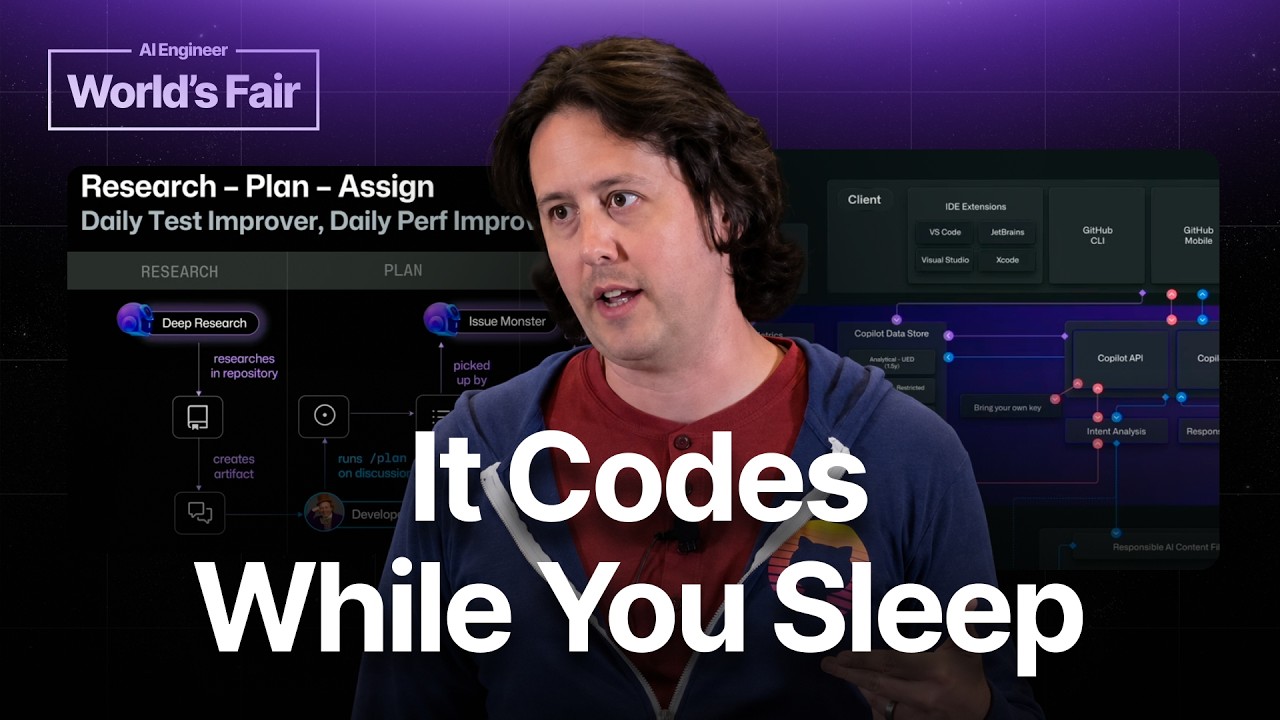
Jose Palafox, a Field Copilot Specialist who has spent six and a half years at GitHub and now works with customers on Copilot adoption, frames agents as coming in two modes. Autonomous agents run off in the pipeline, while local agents are used interactively for bounded pieces of work. The talk is meant to be high-level, and he argues the real question is how to move an agent from one laptop to the whole organization and then into CI.
Local vs. autonomous agents
The distinction Jose draws is about who is in the loop and where the compute runs. A local agent is one a developer invokes in their own session. An autonomous agent runs on repository infrastructure, under the repository’s identity and budget, without a person driving it. Most of the talk walks along that spectrum: local, then shared, then cross-repo, then fully pipeline-hosted.
How Copilot works under the hood
Before getting into agents, Jose spends time on the request path, because he thinks many people don’t understand how the product fits together. There are several front doors: the IDE, the GitHub CLI (a lightweight desktop interface), and an SDK for building custom applications. The SDK can be used to put Copilot inside Slack or Teams, which is useful for exposing selected functionality to team members who don’t hold a GitHub license. A CLI session can also be delegated to github.com to run in the background, or streamed with /remote so it can be steered from a phone while the laptop is closed.
Regardless of the entry point, every request passes through a central layer he calls CAPI, the Copilot API service, which is also what he refers to as the harness. He describes it as the layer that handles the difficult engineering: chunking input, sending it to model providers, filtering out repeated content from open-source sources, handling authentication, and doing metrics and audit logging. Model output comes back through the same harness, gets filtered, and is then displayed. His point is that the harness is the common choke point, which matters later when he talks about observability and cost.
Built-in agents in the CLI
Running /agents in the CLI lists the default agents that ship with the harness. Jose uses them to explain why agents exist at all. The first is an Explorer agent, a specialized research agent that runs on a small model (he mentions Haiku) to investigate a codebase, so the developer doesn’t need to spend the largest model on reading code. The second is Rubber Duck, which validates a plan written by one model, for example Opus, with a pass from a different model provider such as GPT, on the reasoning that different providers have different training data and weighting and will catch different blind spots.
The lesson he draws is that every agent specifies a model and a set of instructions, and both are configurable. He notes that whether something is called an agent, a skill, or a command, it all ends up as markdown at the end of the day, so the built-ins are useful as a reference implementation.
Building a custom agent
When the built-ins don’t cover a task, such as a compliance check, a regulatory requirement, or a custom tool chain, you can create a new agent with the agent command. The workflow asks whether the agent should live at the project level (inside the current Git repository) or the user level (available in every project). Jose then uses the built-in agent builder, which is available in the CLI, the IDE, and other interfaces.
His demonstration is an agent that summarizes the GitHub changelog. He starts from a one-line prompt asking for a summary of recent changes. The builder writes the description, formats the front matter, drafts success criteria, and proposes a methodology. He points out that this lets the author be lazy about the scaffolding and focus on intent. He also shows that the output can be edited directly. In his example, the generated agent wanted to start with the GitHub roadmap, but he wanted it to go straight to the changelog to avoid roadmap items, which he says is a trivial edit. The point is that the agent then exists in the harness and can be invoked for repeat tasks, which he calls step one.
Sharing agents across the organization
The next question is how other people can use the agent. Jose’s answer is a marketplace. Technically, a marketplace is a repository with a JSON file in one of its directories that marks it as one. It gives light package management: subscribing to a marketplace updates all of its agents at once, agents can be versioned, and maintainers can notify downstream users about security vulnerabilities. He says this is often the first thing he helps companies set up, because many organizations have no central place for teams to contribute agents or skills.
At the organization level, he shows a repository named .github-private (he presents it as a naming convention). Agent files placed there are exposed to everyone in the org, so they appear in the cloud and IDE interfaces, and a colleague can invoke a compliance bot from the same drop-down he uses. Public marketplaces also work, and he mentions the awesome-copilot repository as an example that could be registered externally, though he is clear that his demo is internal.
He connects sharing to cost. He argues that reusable agents drive up cache hit rates, since exact matches between turns on common data are the cheapest way to use these products. Standardizing how people solve problems, instead of reinventing the wheel for every task, therefore lowers the overall bill. He treats this as a governance argument as much as a productivity one.
Running agents across repositories
A limitation of the shared compliance agent is that it starts in the repository where it lives and so may lack permissions elsewhere. The solution he presents is orchestrate, which he describes as horizontal scaling across repositories. You give it a set of GitHub issues as goals, and it spins up sub-agents that work inside the repositories those issues belong to, so each one has the right permissions. His example is changing an API in one microservice and then making the necessary downstream changes in other services at the same time. Pre-built agents from marketplaces or from the org admin can be summoned into those repos and kept on task.
He sums up the local story as three layers: a personal agent, a shared agent, and an orchestrated multi-repo agent.
Agentic workflows: agents in CI
Some work should not run on a developer’s machine. Maintenance tasks should run on the repository’s budget and identity rather than the individual’s. Jose’s mechanism is GitHub Agentic Workflows, which he describes as a simple idea. The Copilot CLI has a headless mode, invoked with -p and given a single one-shot prompt. Put that inside a GitHub Actions runner or any CI system, and you have an agent running in a pipeline. It can be triggered by repository events, such as a release that should update documentation, or a schedule, such as a weekly refresh of context files.
His concrete example addresses a problem he sees widely in agent-heavy repositories: duplicated and spaghetti code. Agents tend to be lazy about reuse and namespacing, so they produce duplicate functions. A scheduled agent can scan the codebase, identify deduplication opportunities, and open a series of issues. A developer then reviews them and approves follow-up work by leaving a slash command as an issue comment. That comment advances the issue to the next phase, which in his flow is a planning stage handled by a PRD-generating product manager agent that scopes the feature and writes a plan. The plan is then handed to Copilot for implementation, and a human returns for acceptance review. The workflow includes human-in-the-loop gates so spending happens only when someone decides it should.
Why pipeline agents scale
Jose contrasts local sessions, which are interrupted when the device goes offline, with pipeline agents, which run on the platform independently of anyone’s machine. He illustrates the approach with the gh-aw project itself, which he says is built almost entirely by agents. The team has an internal goal of doing its development from mobile devices, since everything runs through slash commands in issues. The project contains around 200 agents covering different parts of the pipeline, all following the same reusable architecture. He points to one example, a meta agent that runs on a daily schedule to check reports generated by the other agents and to produce input for them.
He also points to the github-next organization, where a project called Agentics bundles around 30 pipeline agents that can be pulled off the shelf. They include code deduplication, different kinds of reviewers, a QA reviewer, and even a humorous reviewer that makes jokes.
Observability and cost
The last major argument is that moving the workload off the laptop is what makes cost optimization possible. He notes that if an organization gives everyone AI tools but cannot see how they are used, it cannot tell whether agents are too verbose, whether tool calls succeed, whether agents use reasoning where a bash script would do, or whether they achieve their tasks at all. Running agents in CI, instrumented with OpenTelemetry (he says hotel, which is clearly OpenTelemetry), lets the organization send the telemetry to a SIEM or other logging platform. From there it can pivot on average token use, compare how a deduplication agent behaves across repositories, and see what each run costs.
He describes several practical controls. One is to alert whenever an agent exceeds its P90 expected cost and then have an agent investigate why. Another is to watch for repeated tool-call failures and A/B test different front matter or models, which may reveal that a cheaper model produces acceptable output. He presents all of this as possible only once agents are in the pipeline.
Closing
Jose summarizes the path as building an agent locally, sharing it through the platform, and finally moving it into the pipeline. He invites follow-up conversations in the back of the room or on LinkedIn, and notes that his field role means he is available for customer-specific questions about GitHub adoption.