Cooking with Agents in VS Code — Liam Hampton, Microsoft
Liam Hampton from Microsoft presents a practical framework for using AI agents effectively by categorizing them into three types: local, background, and cloud. He demonstrates how to run all three simultaneously from a single VS Code interface to solve separate problems in one codebase, showcasing a powerful, integrated developer workflow.
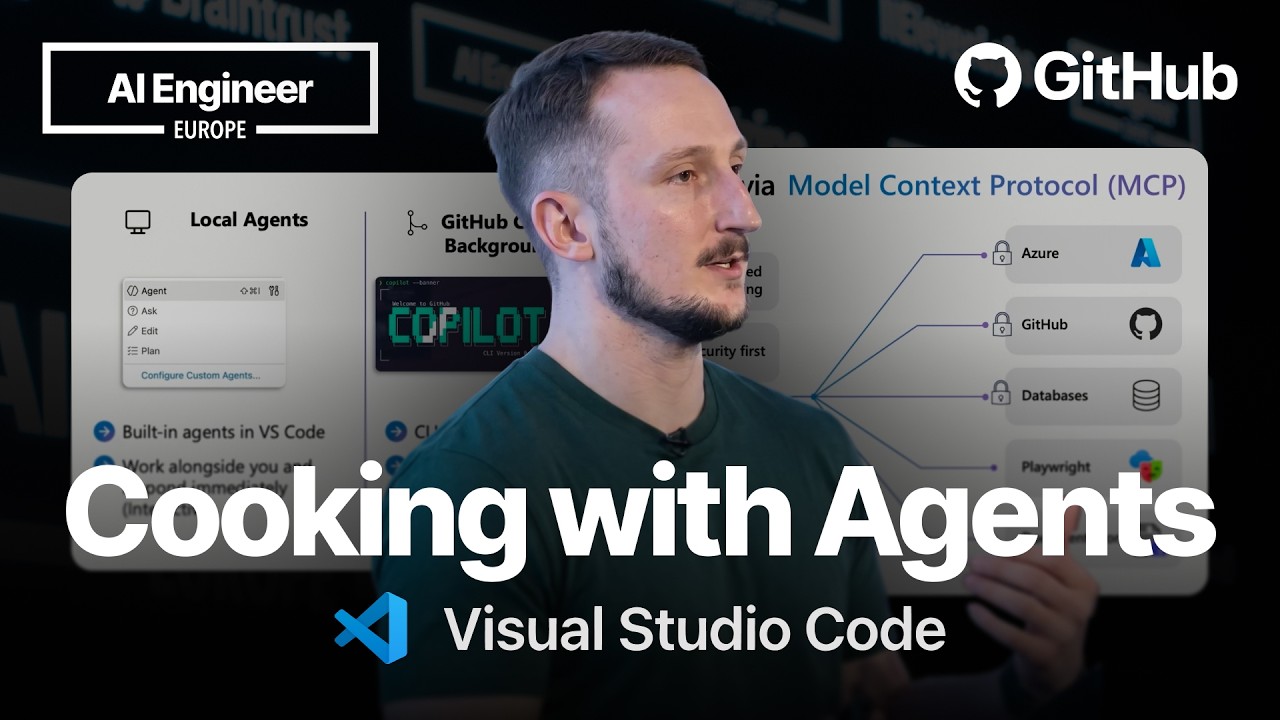
The current landscape of AI is filled with powerful agents, but developers often struggle with the cognitive load of using them effectively. Many still attempt to use “one-shot prompts” to solve complex problems, leading to frustration and questions about the ROI of AI expenditure. The key is not to find a single agent that does everything, but to develop a framework for choosing the right type of agent for a specific task.
Visual Studio Code can serve as a single entry point for managing a multi-agent workflow, reducing complexity and allowing developers to remain in their flow state.
A Framework for Agentive Workflows
A practical way to categorize and utilize AI agents is by their level of developer involvement and the environment in which they run. This framework proposes three distinct types of agents:
-
Local Agents: These agents operate side-by-side with the developer, offering a hands-on, “human-in-the-loop” experience. They are ideal for tasks requiring iteration, fine-grained control, and deep contextual understanding.
- Use Case: Writing and refactoring unit tests, where the developer needs to validate the logic and guide the agent’s output.
- Example: Using an agent like Claude Opus directly within the VS Code chat pane to generate and then improve test cases for a Python application.
-
Background Agents: These agents are suited for larger, more arduous tasks where the developer wants to maintain some oversight without being fully hands-on (a “50/50” approach). They often work in an isolated environment to avoid disrupting the main codebase.
- Use Case: Generating a front-end UI from a GitHub issue. This is a time-consuming task that can be delegated, but the developer may want to test the result before it’s merged.
- Technology: The GitHub Copilot CLI utilizes
git worktreeto create an isolated file directory mapped to a specific branch, allowing the agent to work on a feature without impacting the developer’s current branch.
-
Cloud Agents: These are “fire-and-forget” agents designed for tasks that the developer genuinely does not want to handle directly. They are highly autonomous and operate remotely, scaling outside the local machine.
- Use Case: Writing documentation or making a repository “open-source friendly” by adding standard files like
README.md,CONTRIBUTING.md, and a license. - Technology: These agents run securely within GitHub Actions, providing an isolated and sandboxed environment.
- Use Case: Writing documentation or making a repository “open-source friendly” by adding standard files like
Demonstration: Three Agents, One Codebase
A live demo showcased the power of this framework by tackling three separate problems in a simple Python CRUD application simultaneously from within VS Code:
- The Background Agent: A GitHub Copilot CLI agent was invoked with
Autopilotmode to address a GitHub issue requesting a new front-end UI. The agent created a plan, executed it within agit worktree, and paused before creating a pull request to allow the developer to perform local testing. - The Cloud Agent: Simultaneously, a cloud agent was tasked with making the repository open-source friendly. This agent ran entirely in the background, eventually creating a pull request with the necessary documentation files.
- The Local Agent: While the other two agents worked, the developer initiated a chat with a local agent (Claude Opus) to write unit tests for the application. The developer was able to interactively guide the agent, asking it to not only write the initial tests but also to improve error handling in the application routes and update the tests accordingly.
This parallel workflow allowed for significant progress on multiple fronts without context switching, as all agent interactions were managed through the VS Code interface.
VS Code as a Unified Control Plane
VS Code is positioned as a central hub for all agent interactions, supporting first-party tools like GitHub Copilot and third-party extensions like Claude. A new settings modal provides a single place to configure and customize all agent behaviors:
- Agents: Manage built-in agents (
@workspace,@terminal) and custom agents. - Skills: Define reusable prompts and commands that agents can invoke.
- Instructions: Provide custom instructions to guide agent behavior across all interactions.
- Hooks: Configure actions that trigger based on specific events.
Cloud Agent Security and Extensibility
Cloud agents are designed with security in mind. They run in GitHub Actions with several safeguards:
- Network Firewalls: Agent network access is restricted to a whitelist of approved endpoints.
- Branch Protection: Agents cannot push directly to the
mainbranch and must submit changes via pull request. - Mono Context Protocol (MCP): To extend their capabilities, cloud agents can connect to MCP servers. This protocol allows agents to securely access additional context and tools, such as the Playwright MCP server for automated front-end testing or servers for interacting with cloud resources like Azure or AWS.