Building durable Agents with Workflow DevKit & AI SDK - Peter Wielander, Vercel
Learn how Vercel's open-source Workflows platform simplifies deploying durable, observable, and long-running AI agents by abstracting away the infrastructure complexities of queues, databases, and error handling.
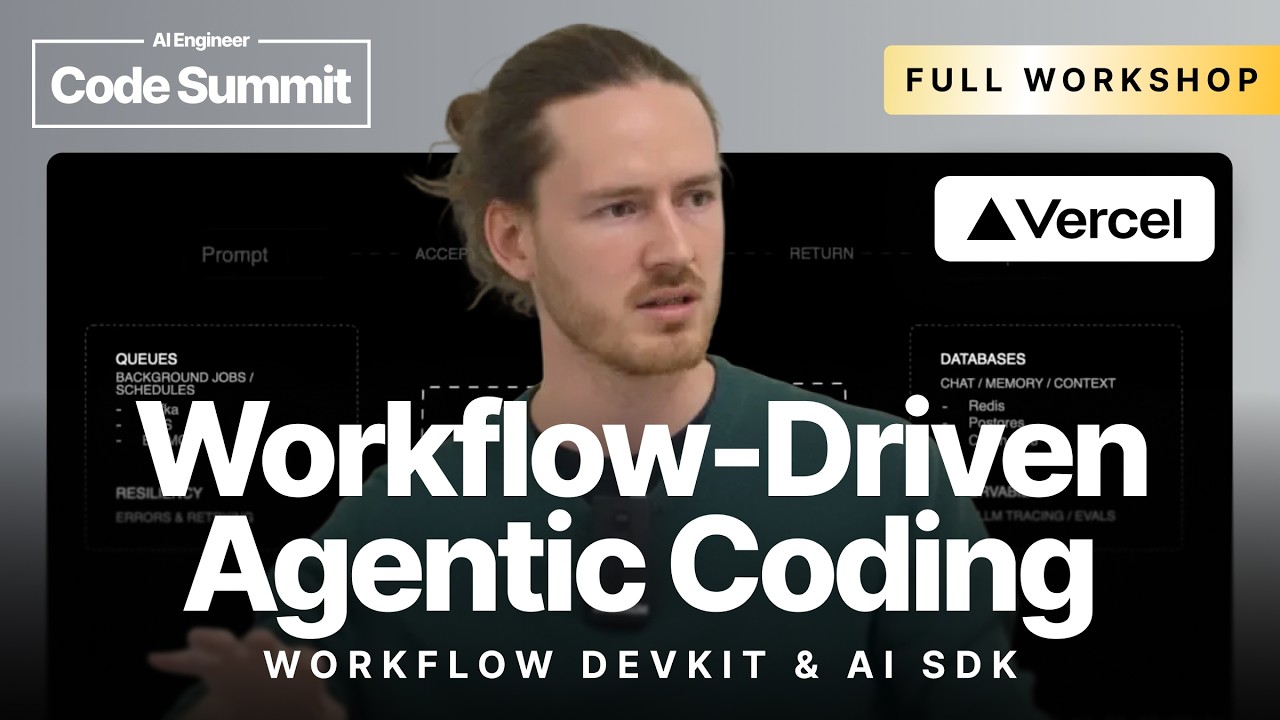
The Challenge of Productionizing AI Agents
Developing AI agents locally often focuses on core capabilities and features. However, transitioning these agents to a production environment introduces significant operational overhead. This includes setting up and managing message queues, databases for state persistence (especially for long-running tasks), extensive error handling and retry logic, and an observability layer. The Vercel Workflows Development Kit is an open-source library designed to solve these problems by implementing the workflow pattern.
The Workflow Pattern
The workflow pattern provides an orchestration layer that separates application logic into two key components:
- Workflows: The orchestration logic that defines the sequence of operations. This code must be deterministic, meaning it has no side effects, allowing it to be re-run safely to reconstruct state. In the context of an AI agent, this is the main loop that calls the LLM and tools.
- Steps: Individual, isolated units of work that can have side effects (e.g., calling an external API, interacting with a database). The workflow engine ensures that steps are durable, retryable, and their inputs/outputs are persisted. Tool calls and LLM interactions are prime candidates for steps.
Implementing Vercel Workflows
The process of converting a standard AI agent built with the Vercel AI SDK into a durable workflow is straightforward and involves a few key changes:
- Installation & Configuration: Install the
workflowand@workflow/nextpackages. Then, wrap the Next.js config withwithWorkflowto enable the specialized compiler. - Refactor the Orchestration Logic: Move the main agent execution logic (the loop calling the LLM and tools) into a separate function.
- Apply Directives:
- Add the
"use workflow"directive at the top of the orchestration function. This tells the compiler to treat it as a deterministic workflow, bundling it separately and enforcing constraints. - Add the
"use step"directive inside theexecutefunction of each tool. This marks the tool’s execution as a durable, retryable step.
- Add the
- Use Durable Primitives: Replace the standard
agentcall withcreateDurableAgent. This specialized class automatically wraps the internal LLM calls as steps without requiring manual intervention.
// In your API route, you start the workflow
import { start } from "workflow/api";
import { codeWorkflow } from "./code.workflow";

// ...
const run = await start(codeWorkflow, {
  args: [/* arguments for your workflow */]
});
return run.stream;
// In your workflow file (e.g., code.workflow.ts)
"use workflow";
import { createDurableAgent } from "@workflow/durable-agent";
import { getWritable } from "workflow";
// ...

export async function codeWorkflow(messages, modelId) {
  const stream = getWritable(); // Get a stream associated with the workflow
  const result = await createDurableAgent({
    // ... agent configuration
  });
  // ...
}
// In a tool definition file
import { tool } from "ai";

export const createSandboxTool = tool({
  // ... Zod schema for parameters
  execute: async ({ /* params */ }) => {
    "use step"; // Mark this execution block as a durable step
    // ... logic to create a sandbox
    return { sandboxId };
  },
});
Key Features and Benefits
Durability and Observability
Once converted, the agent immediately gains durability and first-class observability. The npx workflow web command launches a local UI where you can inspect every workflow run. Each step is visualized as a span, showing its inputs, outputs, and any events. This same UI can be used to inspect runs in production, providing a transparent view into the agent’s execution.
Resumable Streams and Sessions
A key advantage of this pattern is that the output stream is decoupled from the initial API request. The start function returns a runId. This ID can be passed to the client, which can later use a separate endpoint to reconnect to the stream if the initial connection is lost. This makes user sessions resilient to network interruptions.
Long-Running and Scheduled Agents
Workflows can be suspended indefinitely without consuming compute resources. The library provides a sleep() primitive that can pause a workflow for seconds, days, or even weeks. This enables the creation of agents that act like cron jobs, performing tasks on a schedule (e.g., “read my emails every morning and generate a summary”).
// A tool that leverages the built-in sleep step
import { sleep } from "workflow";

// ...
execute: async ({ timeout }) => {
  // This does not require "use step" because sleep() is already a step
  await sleep(timeout);
  return { status: "awakened" };
}
Human-in-the-Loop
Workflows can be paused to await external input using webhooks. The createWebhook() function generates a unique URL. Awaiting this webhook suspends the workflow until a request is made to that URL. This is ideal for implementing human approval steps, where the agent must wait for a user to click a confirmation link before proceeding.
// A tool that waits for human approval
import { createWebhook } from "workflow";

// ...
execute: async () => {
  "use step";
  const webhook = createWebhook();
  console.log(`Approval URL: ${webhook.url}`);

  // Workflow suspends here until the webhook is triggered
  const result = await webhook;

  return { approved: true, payload: result.body };
}
Platform and Versioning
While the demo uses Vercel for deployment, the framework is platform-agnostic. It runs on any cloud and supports various backends for durability, including a first-party implementation for Postgres.
Each deployment creates a new, isolated version of the workflow. Long-running agents will continue to run on the version they were started with. A future roadmap includes the ability to upgrade running workflows to a newer version by checking for signature compatibility between the old and new code.