AI on Android: Ask me Anything — Florina Muntenescu & Oli Gaymond, Google DeepMind
Android provides a comprehensive AI strategy through AI Core, which manages the on-device Gemini Nano model. Developers can use the ML Kit GenAI APIs for easy access, with a hybrid inference option to fall back to the cloud for broader device support, ensuring both performance and reach.
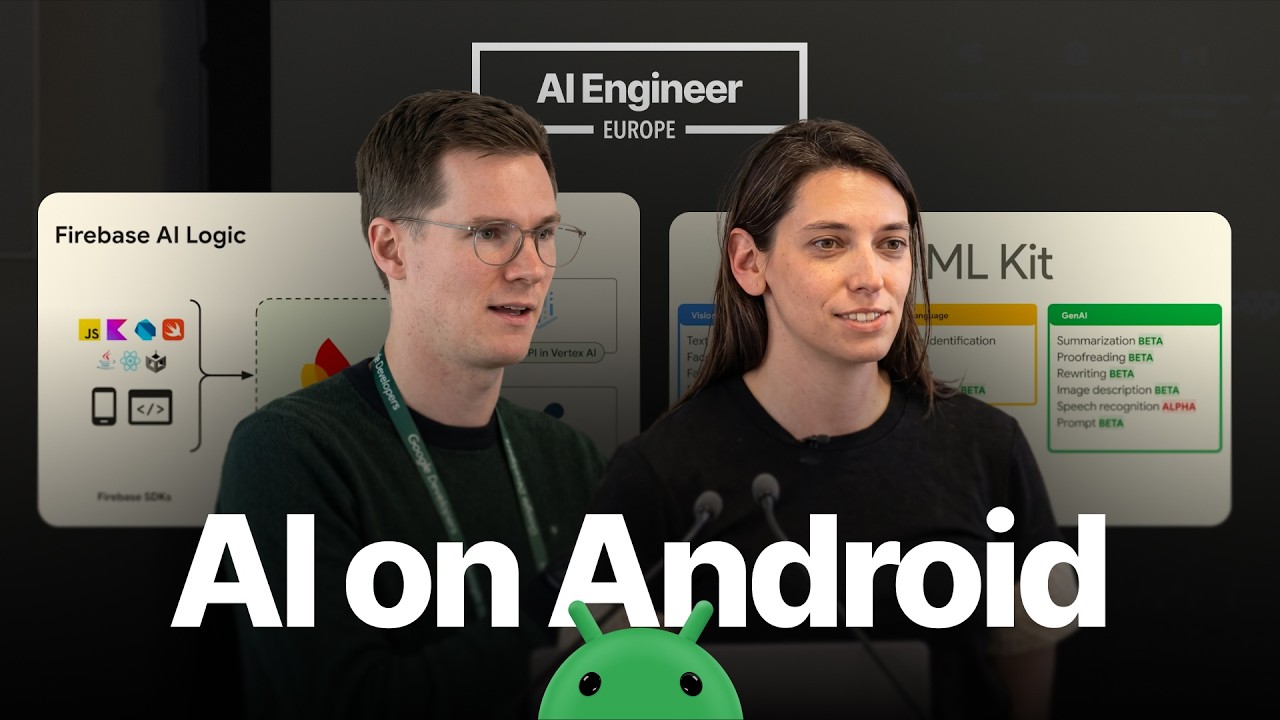
A Comprehensive AI Strategy for Android
Android offers a multi-faceted approach for building intelligent experiences, allowing developers to choose between on-device, cloud, or hybrid inference models based on their needs for privacy, latency, and device reach. The goal is to provide a comprehensive and consistent set of APIs that make it easy for developers to blend these approaches as needed.
On-Device Inference with Gemini Nano and AI Core
Running inference on-device is ideal for handling sensitive data, enabling offline functionality, and eliminating server-side costs. Android facilitates this primarily through Gemini Nano, the most efficient model for on-device tasks, which is delivered and managed by a system service called AI Core.
Key aspects of this architecture include:
- Centralized Model Management: Gemini Nano is a large model, around 3-4 GB. It’s unrealistic for each app to bundle it. AI Core installs one instance of the model on the system, which is then shared by all apps. This centralizes the cost and storage overhead.
- Hardware Optimization: AI Core ensures the model is optimized for the specific hardware of each device at runtime, providing lower latency and faster execution without the developer needing to manage these complexities.
- Resource and Concurrency Management: AI Core intelligently schedules and queues inference requests from multiple apps.
- The active, foreground app always receives top priority.
- Background tasks are queued and can be processed during optimal times, such as when the device is charging overnight.
- This system-level management prevents resource contention and optimizes battery consumption. Developers simply make an inference call, and the system handles the rest.
- Privacy and Security: Requests from different apps run in isolation. The input and output data are not stored on the device, ensuring a private and secure execution environment.
Developer Access via ML Kit GenAI APIs
Developers can access the power of Gemini Nano through the ML Kit GenAI APIs.
- The most powerful and flexible of these is the Prompt API, which allows developers to send natural language requests to the model. It currently supports text and image as input, with text-only output, making it suitable for a wide range of use cases like image understanding, content assistance, and entity extraction.
- ML Kit also offers more specialized APIs for tasks like summarization and proofreading.
Solving the Reach Problem with Hybrid Inference
A significant challenge with on-device GenAI is that Gemini Nano requires modern, flagship-level hardware. To enable AI features on a broader range of devices, Android provides a hybrid inference solution.
- Using Firebase AI, developers can implement a strategy where the app first checks for the availability of on-device Gemini Nano.
- If the on-device model is present, inference runs locally.
- If not, the request automatically falls back to a cloud-based model like Gemini Flash.
- This approach allows developers to create a single feature that reaches the widest possible audience, providing the low-latency benefits of on-device processing where possible and ensuring availability via the cloud elsewhere.
Paths for Customization and Future Development
- LiteRT for Custom Models: For developers who need to use their own custom models or require more fine-grained control, LiteRT is the recommended path. This requires the developer to take on more responsibility for testing and profiling performance across different devices.
- Upcoming Embedding API: An embedding API is coming soon to ML Kit. This will make it significantly easier for developers to build on-device RAG (Retrieval-Augmented Generation) solutions.
- Classic ML Kit: It’s important to distinguish the new GenAI APIs from the classic ML Kit APIs for vision and OCR. These classic models are much smaller and run without issue on over a billion devices, offering a different set of tools for different problems.