Building AI agents with Claude in Amazon Bedrock | Code w/ Claude
In a presentation from Code w/ Claude, AWS advocates Du'An Lightfoot, Suman Debnath, and Banjo Obayami introduce Strands, a new open-source Python SDK for building AI agentic applications on AWS. They showcase how Strands simplifies development by focusing on three core components—models, tools, and prompts—and leverages the full reasoning power of foundation models like Claude 3.5 on Amazon Bedrock. The session includes live demos on creating a multi-tool weather agent, integrating with Modular Connected Protocol (MCP) servers for AWS documentation and diagram generation, and using Claude Code to auto-generate a complete Strands agent for AWS CDK.
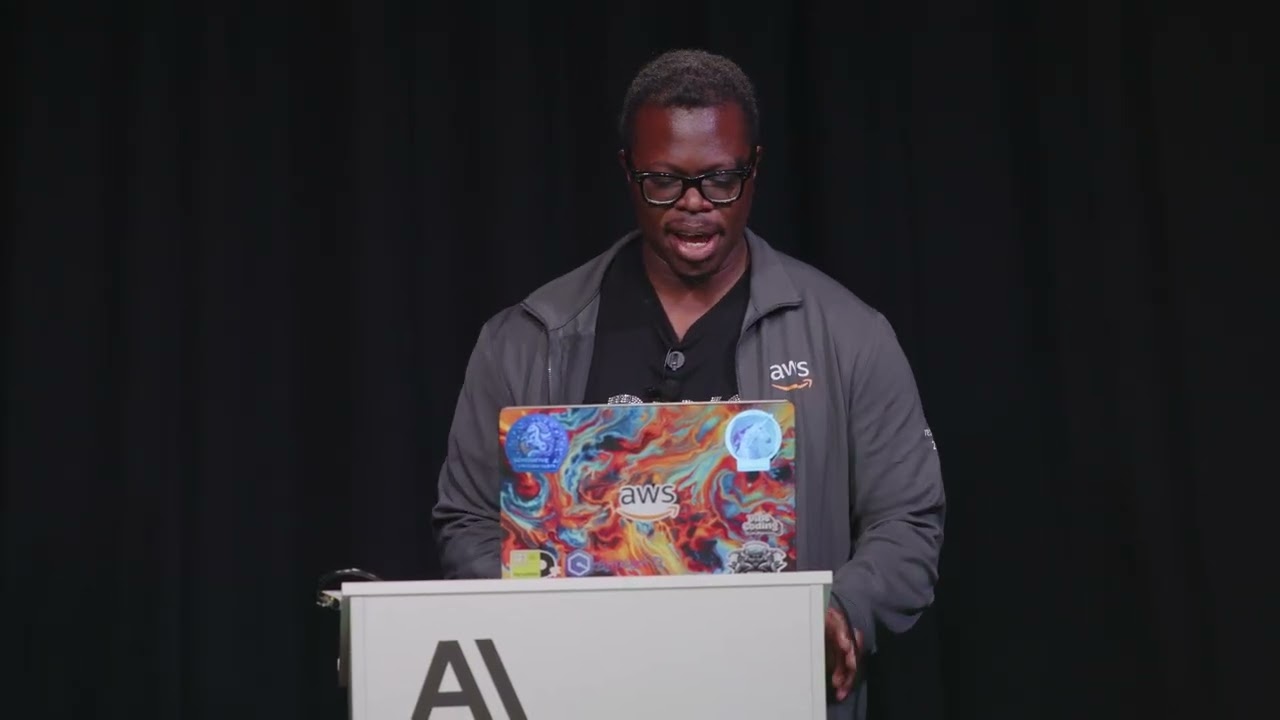
In this session, experts from AWS introduce the development of intelligent, autonomous AI systems using Claude on Amazon Bedrock. An AI agent is defined as an autonomous system capable of reasoning, planning, and executing a series of actions to achieve a high-level objective, much like a human would.
Amazon Bedrock and the Claude Family
Amazon Bedrock serves as the foundation for this work, offering a fully managed service that provides access to leading foundation models, including Anthropic’s Claude family, through a unified API. Bedrock is designed for enterprise-grade applications, providing essential features like model choice, security, and guardrails to build and scale AI solutions globally.
Introducing Strands: A New Open-Source Agentic SDK
AWS recently launched Strands, a new open-source SDK designed to drastically simplify the creation of agentic applications. The philosophy behind Strands is to minimize boilerplate and scaffolding, allowing developers to harness the full reasoning capabilities of powerful Large Language Models (LLMs).
The core architecture of a Strands agent is elegantly simple, requiring only three components:
- Models: The underlying LLM that powers the agent’s reasoning. The default is Claude 3.5, accessed via Bedrock.
- Tools: Functions that the agent can execute. Strands includes built-in tools (e.g.,
HTTPRequest) and makes creating custom tools incredibly straightforward. - Prompt: The initial instruction or system prompt that defines the agent’s goal, personality, and constraints.
A key advantage of Strands is its cloud-native design, enabling easy deployment of agentic workloads to AWS services like Lambda, EC2, or ECS.
Workshop Showcase: Building with Strands
Example 1: A Simple Multi-Tool Agent
The first demonstration involved a simple agent capable of performing two distinct tasks: fetching the weather and counting the words in the response.
- Tools Used:
- A built-in
HTTPRequesttool was used to call a public weather API. The API endpoint was simply mentioned in the system prompt, and the model intelligently figured out how to query it by deriving coordinates from a city name (e.g., “San Francisco”). - A custom
word_counttool was created. The simplicity of this process was highlighted; a developer only needs to write a standard Python function and add a@tooldecorator. Strands handles the rest of the integration.
- A built-in
- Outcome: With about 44 lines of code, the agent successfully chained these tools, first getting the weather data and then counting the words in its generated summary.
Example 2: Integrating with MCP Servers for AWS Workflows
The second, more advanced example showcased Strands’ integration with Modular Connected Protocol (MCP) servers. MCP provides a standardized way to give an LLM access to external knowledge and capabilities. In this case, the agent connected to two official AWS MCP servers:
- AWS Documentation Server: To look up official documentation.
- AWS Diagrams Server: To generate architecture diagrams.
- The Task: The agent was prompted to “get the documentation for AWS Lambda then create a diagram of a website that uses Lambda for a static website hosted on S3.”
- Execution Flow: The agent broke the task down into a logical plan:
- Search the AWS documentation for information on Lambda.
- Read the relevant documentation to understand the context.
- Generate a diagram illustrating the requested architecture.
- Result: The agent successfully queried the documentation, synthesized the information, and generated a new architecture diagram, saving it as a file. This demonstrated a sophisticated, multi-step reasoning and tool-use workflow.
Example 3: AI-Assisted Agent Creation with Claude Code
The final demo illustrated how Claude Code, integrated into VS Code, can be used to write a Strands agent.
- The Goal: Create a new agent specializing in the AWS Cloud Development Kit (CDK).
- The Prompt: Instead of providing explicit instructions, the developer asked Claude Code to “update the CDK agent to create a Strands agent… look at the other files to understand how to do this.”
- Process: Claude Code analyzed the existing code for the weather and MCP agents in the repository to learn the structural pattern of a Strands agent. It then generated a completely new Python file for the CDK agent, including the necessary imports, system prompt (“You are an expert AWS CDK expert”), model configuration, and MCP client setup.
- Outcome: The generated code worked immediately, successfully answering a query about creating an S3 bucket with CDK and even providing security best practices. This highlighted how AI tools can accelerate the development of other AI tools.
The Power of MCP
MCP was described as the “USBC of connecting to LLMs.” It provides a structured protocol for models to access external data and tools, dramatically expanding their capabilities. The session highlighted a rich ecosystem of official AWS MCP servers for tasks like:
- Querying Bedrock Knowledge Bases
- AWS cost analysis
- Generating images with Amazon Titan
- Working with CloudFormation and Terraform
- Specializing in front-end code generation (React, Amplify)